68%
7%
2%
1%
22%
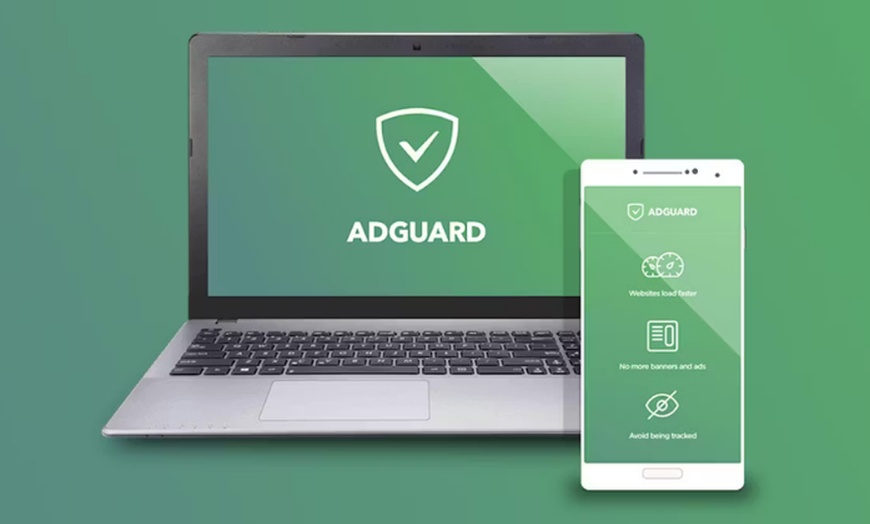
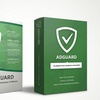
Block intrusive ads, stop trackers, and boost browsing speed with AdGuard. Enjoy lifetime access for up to 3 or 9 devices, ensuring a cleaner, faster, and more secure online experience every time you connect.
AdGuard is a system-level ad blocker and privacy tool trusted by 35+ million users worldwide — blocking ads, trackers, and malware across all apps and browsers, not just inside one browser tab. This deal offers a lifetime license sold by LicenseChoice from $29.98, starting price 46% off, with 4.7/5 stars across 200+ Groupon reviews and 4.7/5 across Trustpilot reviews. Choose Personal (3 devices) or Family (9 devices) — mix Windows, Mac, iOS, and Android freely on a single license.
Windows 7+ or macOS 10.13+ · iOS 15+ · Android 5.0+ · Internet connection for initial activation · License tied to AdGuard account
Windows 7+ or macOS 10.13+ · iOS 15+ · Android 5.0+ · Internet connection for initial activation · License tied to AdGuard account
4.7/5 Groupon rating · 200+ verified reviews · 4.7/5 Trustpilot
After purchase, go to My Stuff on Groupon and click View Voucher to reveal your AdGuard activation key. Save it — you'll need it in the next step.
Go to auth.adguard.com and sign in or create a free account. Your license will be tied to this account — you'll use it to manage all your devices.
In your AdGuard account, go to my.adguard.com and click License → Activate new license. Enter your key and confirm. Your license is now active.
Download AdGuard for your device from adguard.com/download.html. Sign in with the same account during setup — your license activates automatically on install.
Your activation key arrives in your Groupon voucher within 2 hours of purchase (My Stuff → View Voucher). Promotional value expires 60 days after purchase. Amount paid never expires. Online redemption required. Digital delivery.
If your key does not activate, contact [email protected]. Digital purchases are non-refundable once activated — verify your system requirements before purchase.
This is a lifetime license — pay once, use forever with no annual renewals. Your AdGuard license is registered to your AdGuard account and transfers if you change devices.
Need to move AdGuard to a new device? Log in to your AdGuard account at adguard.com and reassign your license. No repurchase required. Works on Windows, Mac, Android, and iOS.
Welcome to License Choice! Your go-to destination for premium game keys and Microsoft software. As a verified Microsoft partner, we bring you authentic, top-notch products. Whether you're a gamer or professional, our platform offers a seamless experience, ensuring you have access to the latest and most reliable digital solutions. Trust License Choice for genuine game keys and Microsoft software that elevate your digital experience.


Error submitting request
Thank you for your response