
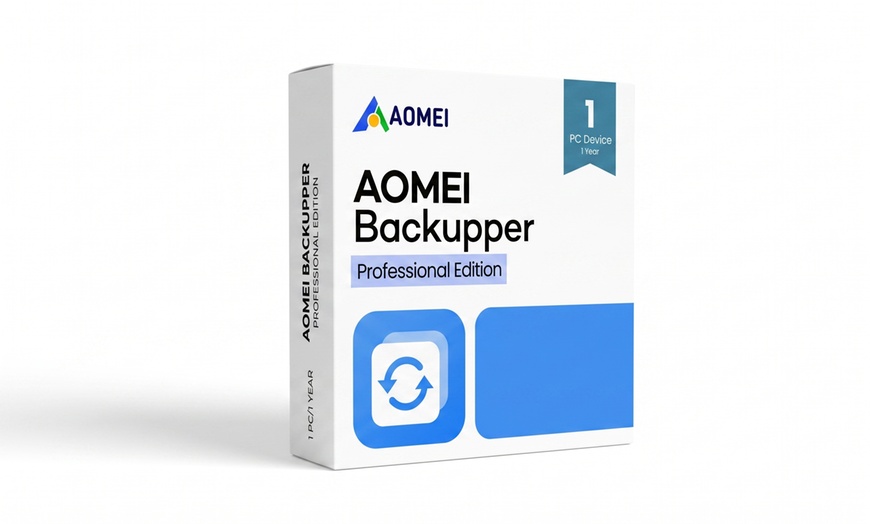
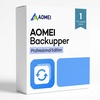
AOMEI Backupper Professional 1 Year or Lifetime | 1 PC or 2 PCs - Up to 25% Off

AOMEI Backupper Professional

Select Option
Extra $5.81 off
Promo Code SAVE. Ends 12/31.
Apply
  • Instant: Great for last-minute gifts. Simply print or send the voucher after purchase.
  • Customizable: Personalize the message and appearance to make your gift truly special.
  • Exchangeable: Hassle-free returns and exchanges for the giftees.

Activation GuaranteedInstant Digital DeliveryFree Tech Support

Safeguard Your PC from Data Loss with AOMEI Backupper Professional.

Protect your operating system, applications, files, and personal data with AOMEI Backupper Professional. This powerful backup and recovery solution helps safeguard your PC against hardware failures, accidental deletion, ransomware attacks, and system crashes. Choose between a 1-year or lifetime license for one or two Windows PCs. Your digital license key is delivered directly with your purchase.

What You Get

A digital license key delivered directly with your purchase — no separate redemption step required.

A complete suite of tools for backup, recovery, cloning, and real-time synchronization, protecting your data comprehensively.

Free updates and free technical support directly from AOMEI, keeping your software current and reliable.

Security features like backup encryption and bootable rescue media for swift disaster recovery.

Compatible with Windows 11, 10, 8.1/8, 7, Vista, and XP. Not available for macOS, Linux, or mobile devices.

Software Overview

License Options & Features
+

AOMEI Backupper Professional provides robust tools to secure your PC's critical data and system. Choose the license that fits your needs. All options include the same full feature set; the only difference is duration and number of devices.

Included1-Year LicenseLifetime License
Devices1 PC or 2 PCs1 PC or 2 PCs
Digital DeliveryIncludedIncluded
Free UpdatesDuring subscriptionLifetime (per AOMEI terms)
Free Tech SupportIncludedIncluded
Full Feature SetIncludedIncluded
View All Features
System Backup and RestoreProtects your entire operating system, enabling quick restoration after crashes or failures.
File and Folder BackupSafeguards individual files and folders, preventing loss from accidental deletion or corruption.
Disk and Partition BackupBacks up entire disks or specific partitions, ensuring full data integrity for storage drives.
Incremental and Differential BackupsSaves time and storage space by backing up only changed or new data efficiently.
Scheduled Automatic BackupsEnsures continuous data protection by automating backups at set intervals.
Disk Clone and System CloneFacilitates easy data migration or system duplication, transferring your OS or disk contents.
SSD MigrationOptimizes performance by seamlessly moving your system to a Solid State Drive when upgrading.
Real-Time File SynchronizationKeeps important files constantly updated across locations, ensuring immediate data consistency.
Backup Encryption and CompressionSecures sensitive backup data and reduces storage space requirements efficiently.
Bootable Rescue Media CreationCreates a recovery environment, helping restore your system even if it fails to boot.
Fast Disaster RecoveryMinimizes downtime after data loss, quickly restoring your system and files.
Easy-to-Use InterfaceSimplifies complex backup tasks, making data protection accessible for all users.
System Requirements
+
For Windows 11, 10, 8.1/8, 7, Vista, XP

Processor: 500 MHz or faster

Memory: 256 MB RAM or higher

Disk Space: 300 MB available

Other: Internet connection required for activation and updates

How It Works

1.Get Your Code – Locate your code from Groupon after purchase. This is your AOMEI license key.
2.Download and Install – Download AOMEI Backupper Professional from the official website at aomeitech.com/download.html and complete the installation.
3.Activate Your License – Launch the software, click Menu in the upper-right corner, select Register, enter the license key provided with your purchase, and click Register to activate.
4.Start Protecting Your Data – Restart the application if prompted and begin setting up your first backup.
Need assistance?
For any issues with your order, please contact: [email protected]

Fine Print

Promotional value expires 120 days after purchase. Amount paid never expires.
  • Product key and download instructions will be emailed within 1–2 hours of redemption on the redemption page (https://mycodes24.com/contact-mycodes24/).
  • Software must be downloaded from the official AOMEI website.
  • Keys are single-use.
  • Windows only; not compatible with macOS, Linux, or mobile devices.
  • Lifetime license includes updates subject to AOMEI's licensing terms.
  • Use of the software is governed by AOMEI's End User License Agreement.
  • Technical support is provided by AOMEI, not Groupon.
Internet connection required. All sales final after voucher is viewed. Valid only for option purchased.
Merchant is solely responsible to purchasers for the care and quality of the advertised goods and services. Learn about Strike-Through Pricing and Savings

About AOMEI Backupper Professional

Groupon Customer Reviews

100% Verified Reviews
All Groupon reviews are from people who have redeemed deals with this merchant. Review requests are sent by email to customers who purchased the deal.

Customer Photos

  • Photo submitted by Randy
  • Photo submitted by Juan
  • Photo submitted by Javani
  • Photo submitted by Guest
  • Photo submitted by Ethan
    See All Photos