52%
12%
4%
1%
31%
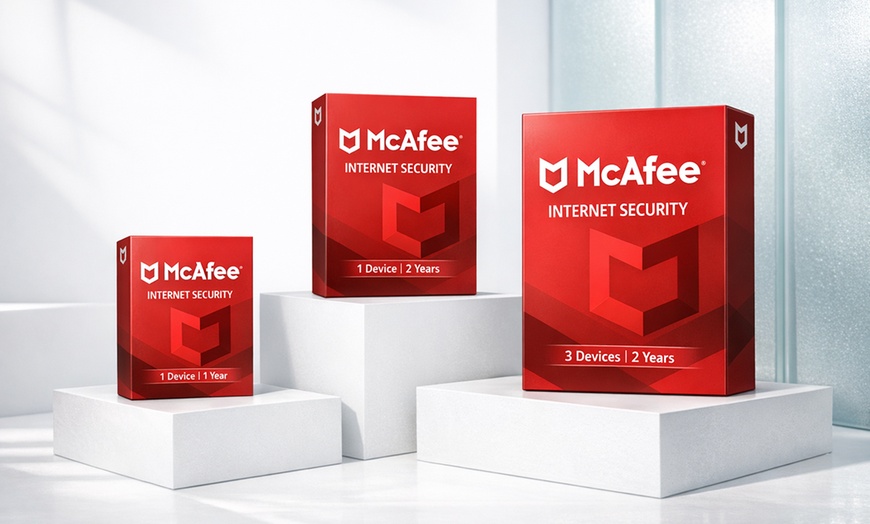
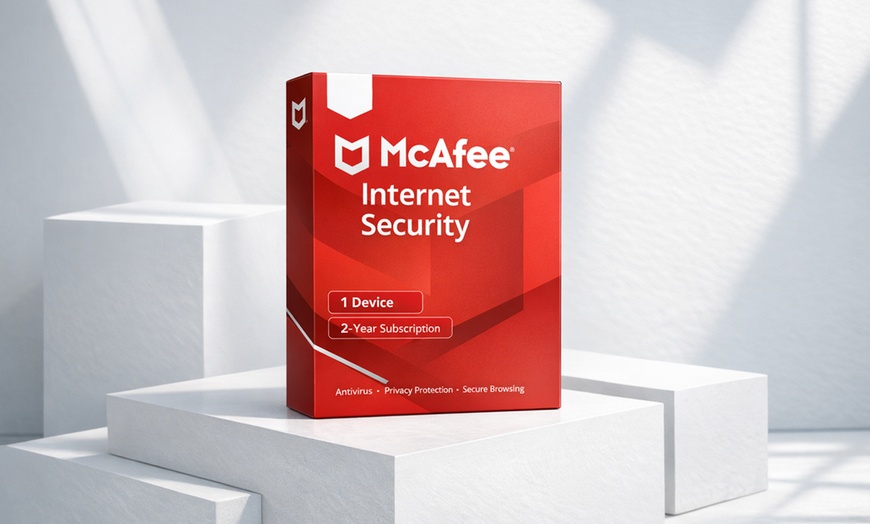
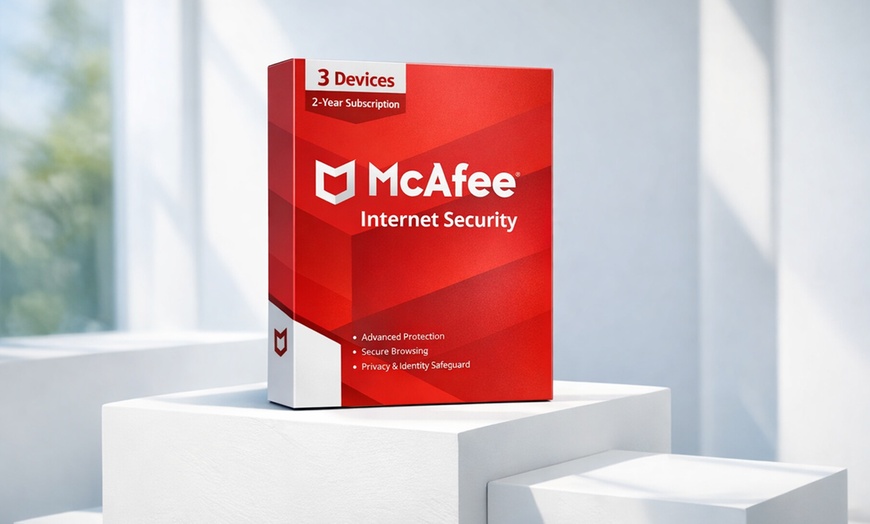







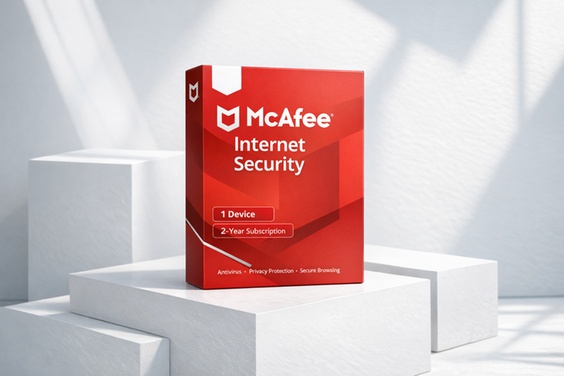
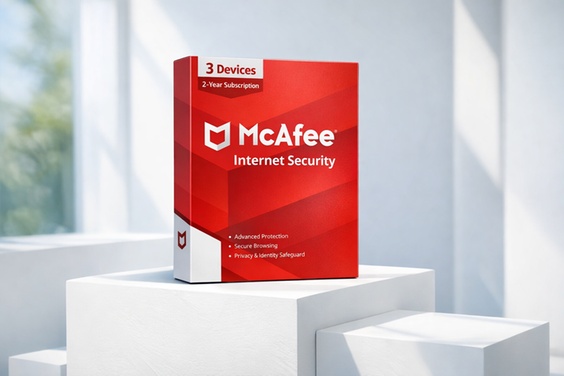
McAfee Internet Security 2026 uses an advanced antivirus engine to protect your data and system performance on 1 or 3 devices, delivered by email
McAfee Internet Security subscriptions at a one-time Groupon price. Internet Security bundles award-winning antivirus, unlimited Secure VPN, identity monitoring, and a password manager across Windows, macOS, iOS, Android, and ChromeOS. Internet Security covers antivirus, firewall and web protection. Starting at $13.99 for the Internet Security 1-Device 1-Year option.
Internet Security bundles the full consumer security suite: antivirus engine, unlimited Secure VPN, identity monitoring with dark-web breach alerts, password manager (True Key), firewall, web protection, file shredder, and track remover. Cross-platform on Windows, macOS, iOS, Android, and ChromeOS. Available in 1 or 3 device tiers, 1-year or 2-year terms.
Internet Security is the lighter core — antivirus + firewall + web protection + file shredder + track remover on a single PC, without VPN, identity monitoring, or password manager. Best for a single Windows laptop where the add-on features aren’t needed.
All options on this deal activate as standard McAfee consumer subscriptions on McAfee’s own servers. Coverage starts from the date of activation and runs for the full term (1 or 2 years) with no auto-renewal after.
Pick the tier that matches your household. Every device slot can hold a Windows PC, a Mac, a phone, a tablet, or a Chromebook — McAfee is OS-agnostic, so you can mix and match. If you outgrow the tier later, you remove old devices from your McAfee account and add new ones in their place.
McAfee’s 2-year options ship as a single voucher for the full 24-month term. You pay once, activate once, and your subscription runs uninterrupted for 2 years before it expires. Because this is a one-time Groupon voucher purchase, there is no payment method stored with McAfee after activation — when the 2 years end, the subscription ends cleanly instead of auto-renewing at McAfee’s standard renewal price.
Available Tiers:
Includes real-time antivirus, firewall, web & email protection, and anti-phishing across Windows, Mac, Android, and iOS.
Best for: trusted antivirus protection
$22.99
Best for: Single-device users wanting long-term value
Supported Platforms: Windows 10 or 11, macOS 11 or later, Android 10 or later, iOS 16 or later
$34.99
Best for: Families & small offices
Supported Platforms: Windows 10 or 11, macOS 11 or later, Android 10 or later, iOS 16 or later
Your subscription automatically renews 30 days before it ends and yearly thereafter at the then-current renewal price.
About pop-ups: McAfee Internet Security includes pop-up notifications for product upsells and renewal reminders. This is standard McAfee product behavior and not specific to this deal. You can manage scan and notification settings inside the McAfee client.
After purchase, go to My Stuff on Groupon and find your Redemption Code under the coupon barcode.
Visit the downloadbuyer.com redemption page and enter your details and Groupon code to receive your McAfee activation code by email.
Your McAfee activation code will be emailed within 2 hours. Check both inbox and spam folder.
Go to mcafee.com/activate, enter your activation code, and follow the on-screen steps to install. If you don’t receive your code within 24 hours, contact [email protected].
Need assistance? For any issues or if the order doesn’t arrive within 24 hours, contact [email protected]. No returns or refunds accepted unless the item is defective.
Device Licensing
Mix Windows, macOS, iOS, Android, and ChromeOS. Each slot equals one installed device; remove old devices in My Account. Redeem your code soon after purchase — redeem early.
System Requirements
Windows 10 (RS5) or 11 (x64; ARM64 on Windows 11), macOS 11.x or later, ChromeOS 102.0.5005+, Android 10+, iOS 16+. Internet connection required for activation and updates.
“Super easy install, and when I downloaded the new program it deleted my old one which had expired. Very clean upgrade process.”
Verified Buyer“Very easy to purchase, redeem and download. The whole process took less than 10 minutes from start to finish.”
Verified Buyer
Error submitting request
Thank you for your response