75%
5%
2%
1%
17%

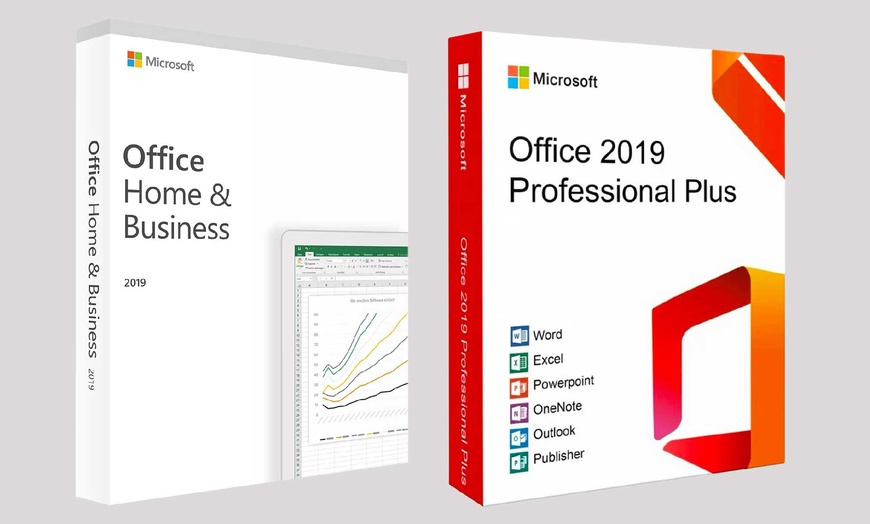

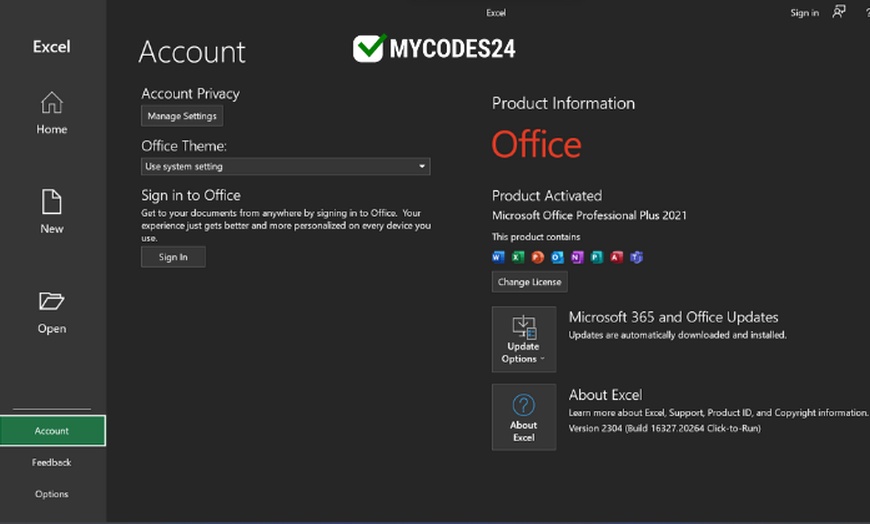
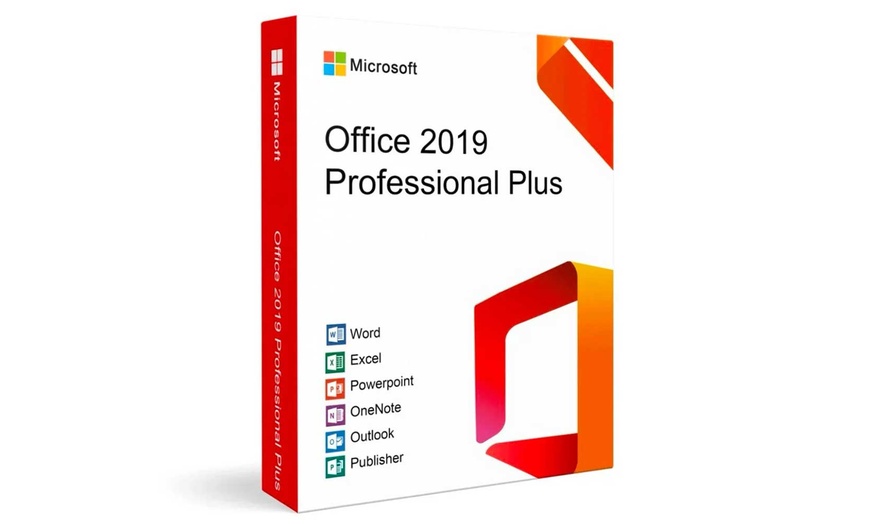
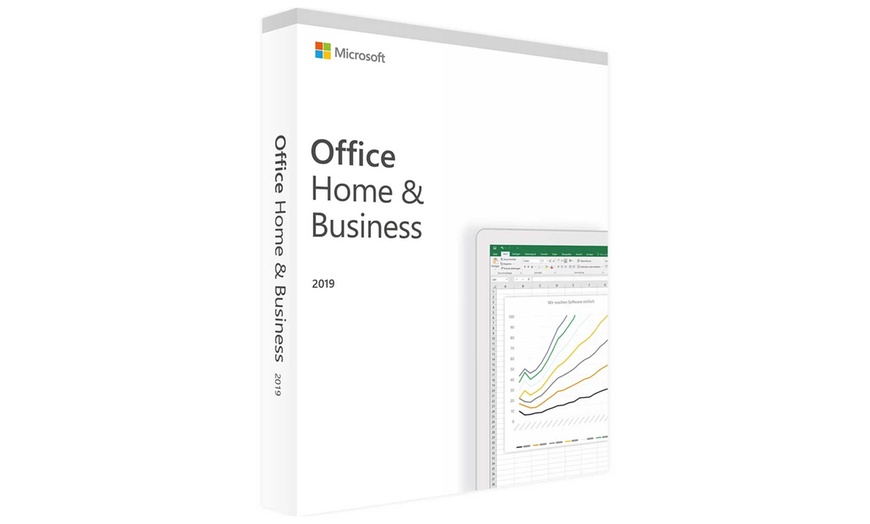
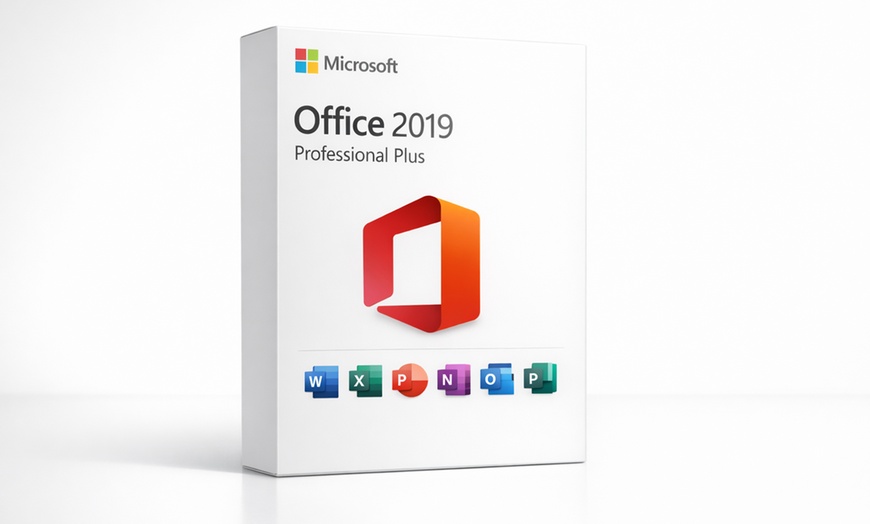

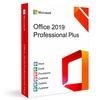
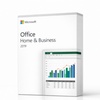
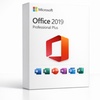
Your digital lifetime key for Microsoft Office 2019 Professional Plus from a Trusted Microsoft Partner while saving more.
Microsoft Office 2019 — a one-time purchase, instant digital delivery, no subscription ever. Choose Professional Plus for Windows or Home & Business for Mac, pay once, and own Office 2019 forever. No renewal reminders. No credit card on file. No recurring fee.
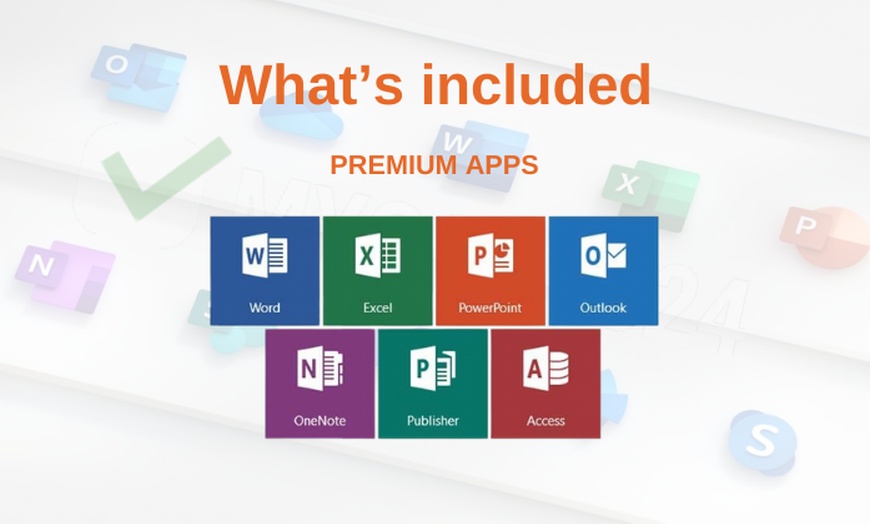
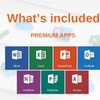
Office 2019 Professional Plus for Windows includes core productivity apps: Word, Excel, PowerPoint, Outlook, OneNote, Access, and Publisher. Access and Publisher are enterprise-grade apps not available in standard Office editions — included here at no extra cost.
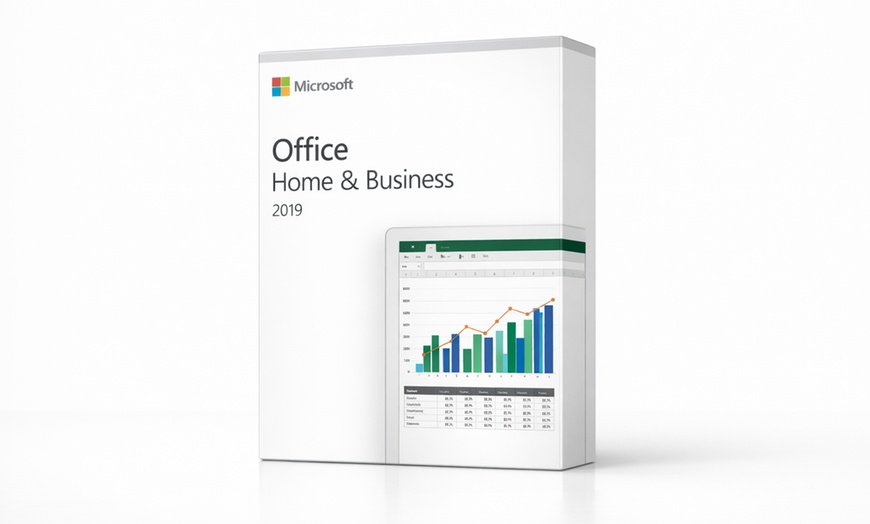
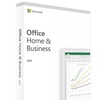
Office 2019 Home & Business for Mac delivers the core productivity suite fully optimized for macOS with native Apple Silicon support. Runs natively on M1, M2, M3, and M4 Macs — no Rosetta required.
Both editions include lifetime activation tied to one device and access to Microsoft’s online features via your Microsoft account. No subscription. No renewal. No monthly fee — ever. Note: Microsoft Copilot is a Microsoft 365 subscription feature and is not included with Office 2019 perpetual licenses.
Get Your Groupon Redemption Code
Log in to My Groupons and click "See Details". Locate and copy the Redemption Code (found under the barcode).
Claim your Key from MyCodes24
Visit the redemption page: mycodes24.com/contact-mycodes24. Fill in all required fields, paste your Groupon Redemption Code, and click "Send Message".
Receive Your Product Key
Your official product key and download instructions will be sent to your email within 2 hours. Check your Spam/Junk folder if you don't see the email in your inbox.
💻
Platform & License
🛠️
Before Installing
📧
Delivery & Redemption
📞
Support


Error submitting request
Thank you for your response

