


Trending

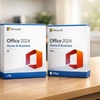
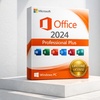
Microsoft Office 2024 – Lifetime License for PC & Mac | Professional Plus, Home & Business, or Home Editions (Up to 73% Off)

Microsoft Office 2024 Professional Plus

Select Option
Extra $4.51 off
Promo Code SAVE. Ends 12/31.
Apply
This item is selling fast, so act now!
  • Instant: Great for last-minute gifts. Simply print or send the voucher after purchase.
  • Customizable: Personalize the message and appearance to make your gift truly special.
  • Exchangeable: Hassle-free returns and exchanges for the giftees.

Microsoft

This product is sold by a seller listed on Microsoft's official Marketplace.

↗ Check Microsoft Partnership Portal here

One-Time Purchase Productivity Suite Windows and Mac Versions Lifetime Access

Boost Productivity with Office 2024

Office 2024 delivers essential productivity tools for Windows PC and Mac users. This one-time purchase secures lifetime access to the full suite of applications without ongoing subscription costs.

What You Get

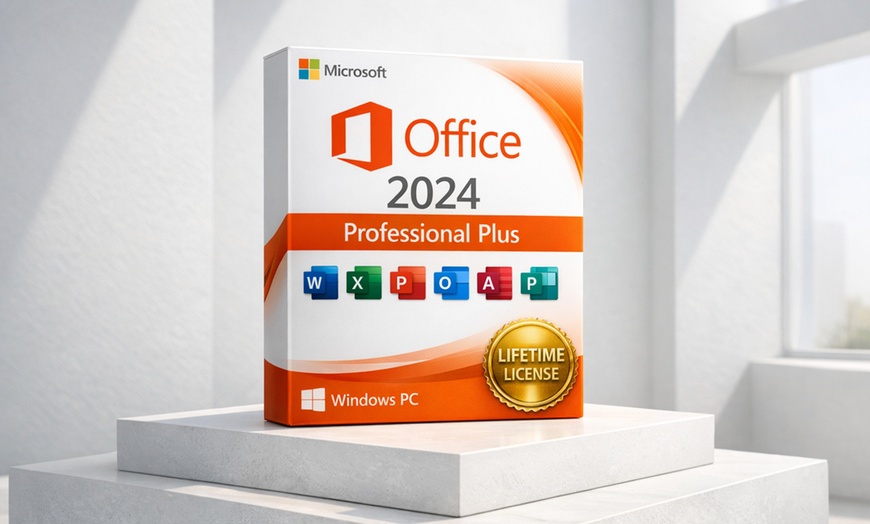
Complete Productivity Suite: Includes Access, Excel, OneNote, Outlook, PowerPoint, and Word.

One-Time Purchase: Skip the recurring monthly bills. Pay once and own the version for life on one PC.

Official Product Key: Receive a verified digital activation key to securely unlock your software via email.

Modern Features: Optimized for Windows 10/11 with enhanced ink tools, accessibility, and offline capabilities.

Software Overview

Apps & Features
+

Compare Office 2024 editions to find the right fit for your needs.

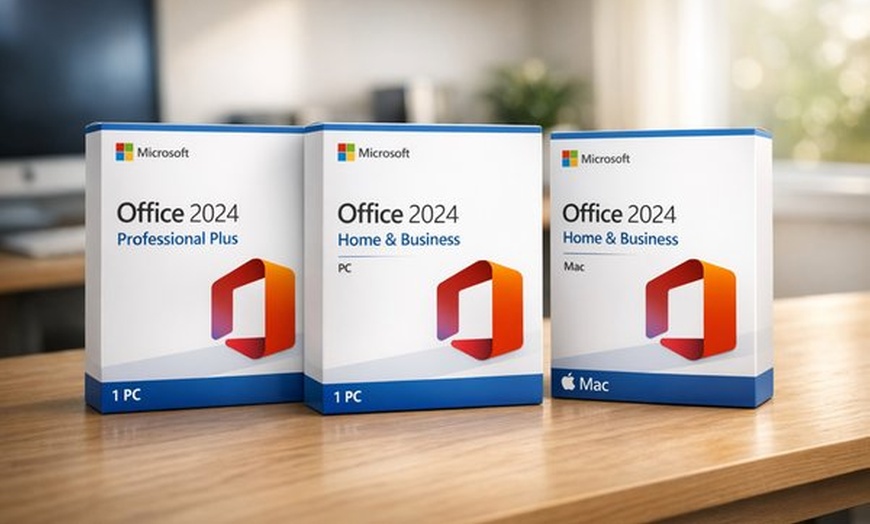
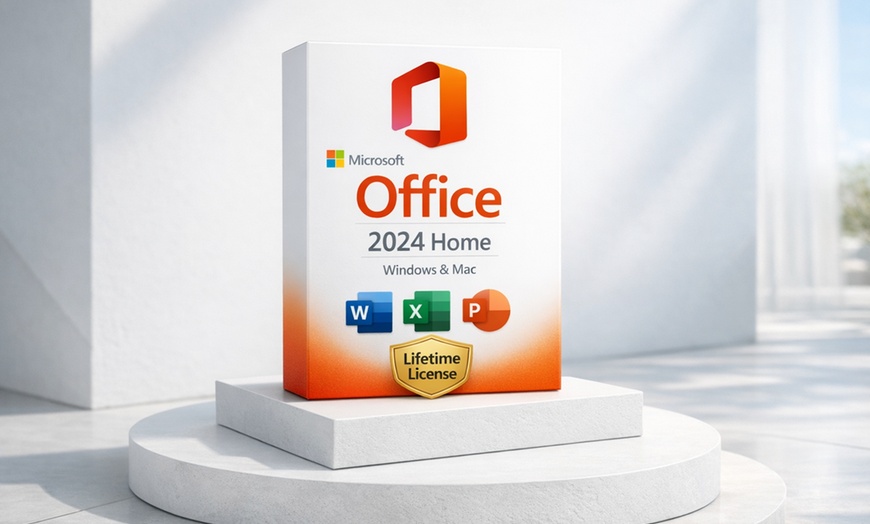
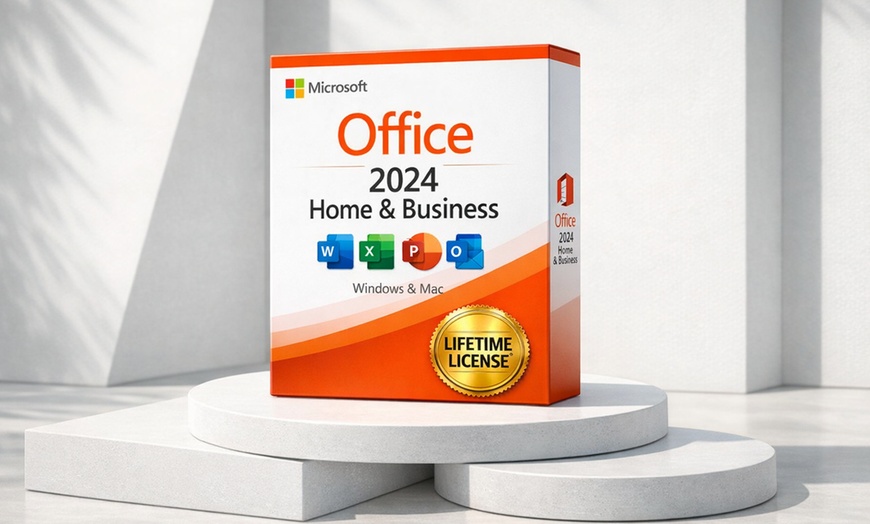
Included Features Microsoft Office 2024 Professional Plus Microsoft Office 2024 Home & Business Microsoft Office 2024 Home
Core Apps (Word, Excel, PowerPoint, OneNote) Included Included Included
Outlook Included Included
Advanced Apps (Access) Included
Compatibility Windows Only Windows & Mac Windows & Mac
View App Descriptions
Word Create, polish, and share professional documents.
Excel Analyze and visualize your data in intuitive spreadsheets.
PowerPoint Design impactful presentations with modern layouts.
Outlook Manage your email, calendar, and contacts efficiently.
OneNote Capture and organize your ideas in a digital notebook.
Access Build and manage robust database applications.
System Requirements
+
For Windows 10, Windows 11, and LTSC versions of Windows 10/11

Processor: 1.1 GHz or faster, dual-core

Memory: 4 GB RAM

Storage: 4 GB available space

Display: 1280×768 resolution (64-bit required for 4K+)

Graphics: Direct3D 9.1 compatible with WDDM 1.3 driver or higher

Browser: Latest versions of Microsoft Edge, Chrome, or Firefox

Other: Some features require .NET version 3.5 or 4.6 and higher

How It Works

1. Redeem Your Voucher — Visit licensetom.com to exchange your voucher for a product key.
2. Check Your Inbox — Your unique activation key and guide will arrive via email (usually within 1 hour).
3. Clean Installation — Ensure all previous Office versions are uninstalled before starting.
4. Activate Immediately — Use your key immediately to prevent trial expiration or activation errors.

Device specific step: Click here for desktop redemption and click here if redeeming on mobile.

Need swifter assistance?
Contact our dedicated support team at: [email protected]
FAQs
+

Can I reinstall the software?
Continued functionality is not guaranteed after significant hardware changes or OS reinstallation.

When should I activate my Office product key?
Activation should be performed immediately after receiving your key. This avoids trial period expiration and potential errors during the activation handshake.

Should I uninstall previous versions?
Yes, we strongly recommend uninstalling all previous Office versions (including 365 trials) before installation. Older software can conflict with the new registry keys.

Is this a software license or a product key?
This purchase provides a product key for activation. Per Microsoft terms, it is valid for a single, one-time activation on one device. Key functionality may not be guaranteed if the device is modified or reinstalled. Use on multiple devices is not allowed. Refer to Microsoft's Terms of Use and Privacy Policy for specific license details.

Can I use an Office 2024 key for Microsoft 365?
No. Product keys are version-specific. An Office 2024 Professional Plus key will only work with its matching version.

How long does the redemption process take?
Voucher redemption is typically completed within one hour. Check your spam folder if you don't see it.

What happens if I change my PC hardware?
Functionality is not guaranteed after significant modifications, as the key is tied to the original hardware ID.

Is this valid for Mac?
No. This license is specifically for the Windows PC version of Office 2024 Professional Plus.

Fine Print

Expiration varies. Amount paid never expires.
  • Online redemption only. Digital download delivered via email.
  • Redemption Instructions:
    1. After the purchase, Go into My Stuff and find the Redemption Code under the coupon barcode.
    2. Enter the information on the redemption page.
    3. Check both your inbox and spam folder for delivery updates.
    4. Your product will be sent via email within 2 hours.
  • For any issues or if the order doesn’t arrive within 24 hours, contact [email protected]
Merchant is solely responsible to purchasers for the care and quality of the advertised goods and services. Learn about Strike-Through Pricing and Savings

About Microsoft Office 2024 Professional Plus

Groupon Customer Reviews

100% Verified Reviews
All Groupon reviews are from people who have redeemed deals with this merchant. Review requests are sent by email to customers who purchased the deal.

Customer Photos

  • Photo submitted by Michael
  • Photo submitted by Rick
  • Photo submitted by Christopher
  • Photo submitted by Shane
  • Photo submitted by Josayne
    See All Photos