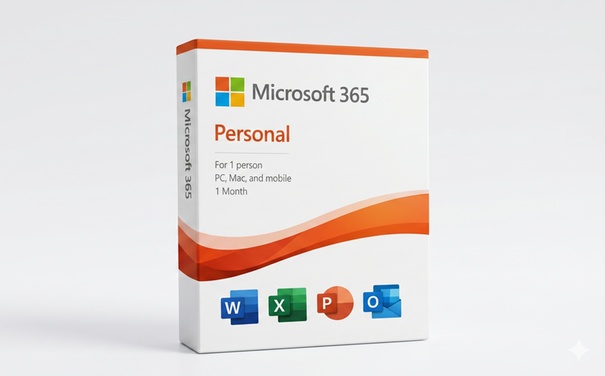
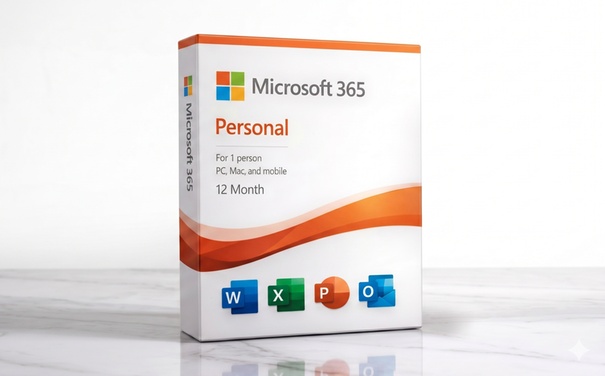
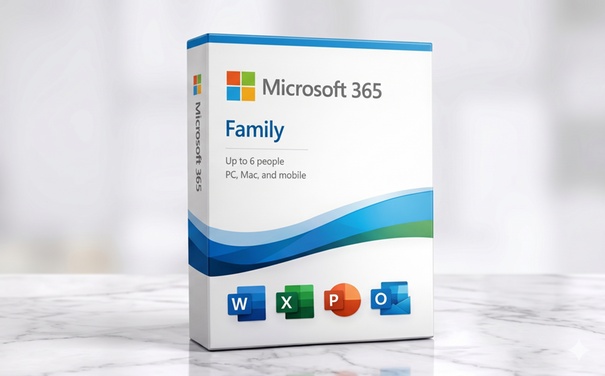
75%
5%
2%
1%
17%
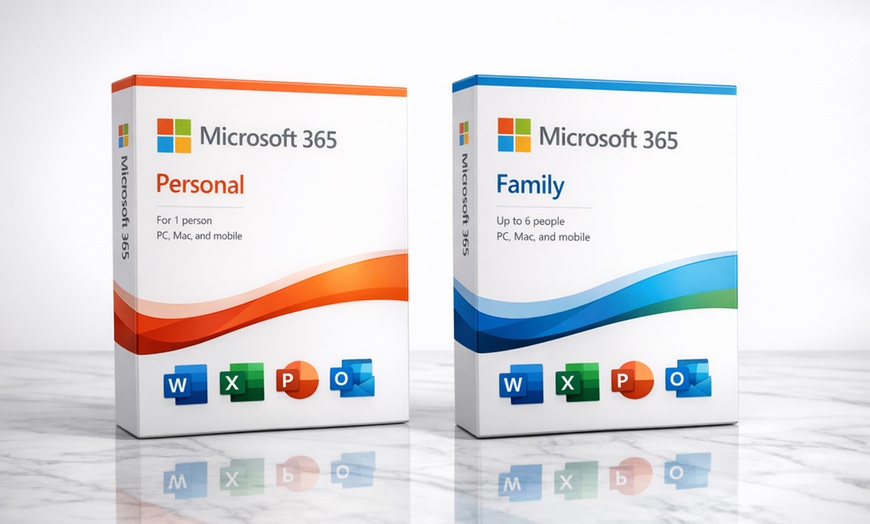

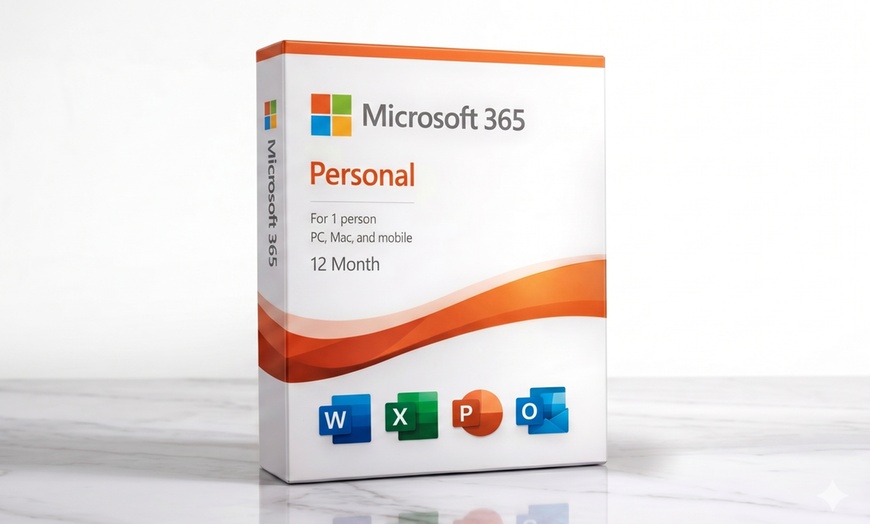

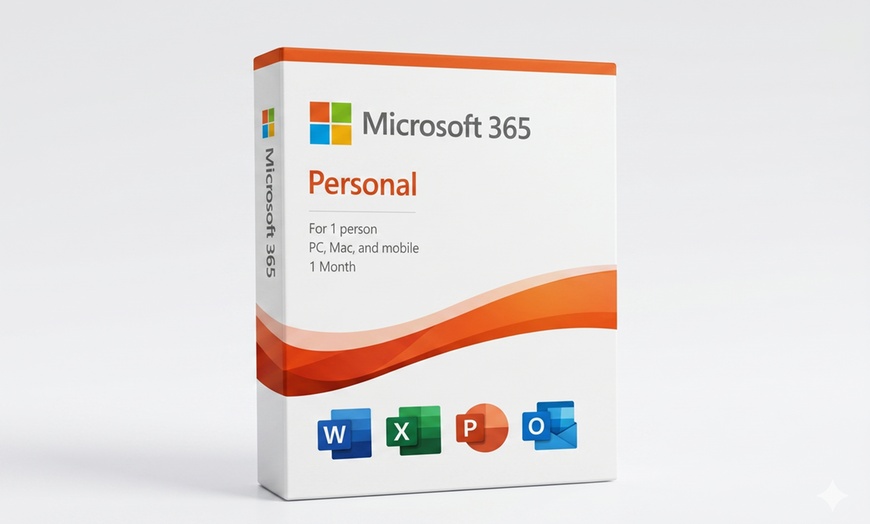

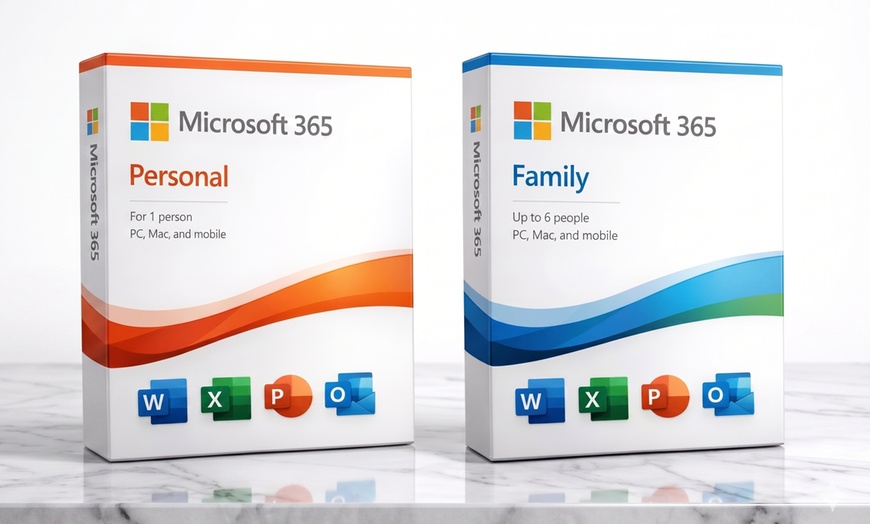
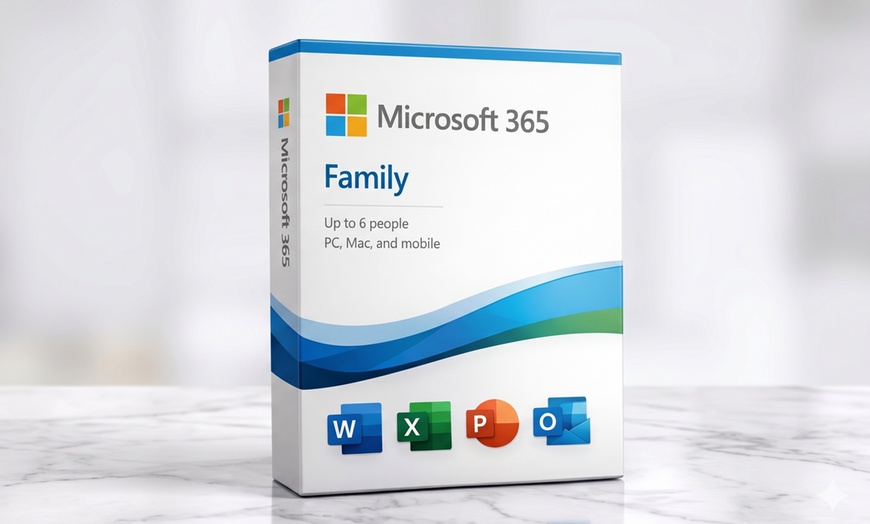



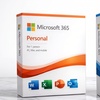
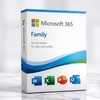
Microsoft 365 gives you the premium Office apps you rely on — Word, Excel, PowerPoint, Outlook, OneNote — plus 1 TB of OneDrive cloud storage per user. Sold by MyCodes24, an Official Microsoft Marketplace seller. Choose the plan that fits: monthly flexibility, annual savings for one, or the family plan for up to 6 people.
View MyCodes24 on the Microsoft Partner Directory
US Region Only: Keys are valid for United States Microsoft accounts only. Non-refundable once activated.
Requirements: Windows 10/11 or macOS 12+ · Microsoft account · US region key · Redeem at setup.office.com · Internet connection required
Requirements: Windows 10/11 or macOS 12+ · Microsoft account · US region key · Redeem at setup.office.com · Internet connection required
Requirements: Windows 10/11 or macOS 12+ · Microsoft account · US region key · Redeem at setup.office.com · Internet connection required
Works in US & Canada
Microsoft 365 keys activate at setup.office.com — valid in the United States and Canada with a Microsoft account.
Key Within Hours
Your Microsoft 365 key is delivered to your Groupon voucher within hours of purchase. Find it in My Stuff → View Voucher — not a separate email.
After purchase, go to My Stuff on Groupon and click View Voucher to reveal your Microsoft 365 product key. Save it.
Go to account.microsoft.com and sign in. If you don’t have a Microsoft account, create one free.
Go to setup.office.com, click Enter a product key, and type in your key. US region accounts only.
Follow the on-screen instructions to download and install Microsoft 365. Sign in with the same Microsoft account to access all apps and 1 TB OneDrive storage.
Excellent · 950+ reviews on Trustpilot · 40,000+ Groupon verified reviews
“Contacted MyCodes24 for additional help with the product key. They responded within a few hours and directed me to the correct link. Excellent service.”
Verified Purchase“Merchant sent email with all the required information and product key within minutes of purchase. Download link worked perfectly.”
Verified Purchase“Great service and fast delivery. Exactly what I ordered — no issues whatsoever. Highly recommend this deal.”
Verified Purchase“Works as described. Good value for money and reliable support from MyCodes24. Would buy again.”
Trustpilot


Error submitting request
Thank you for your response