




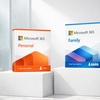





Microsoft 365 Personal & Family 1-Year Subscriptions - Save up to 10%

Microsoft 365 Personal & Family 1-Year Subscriptions

Select Option
Extra $17.91 off
Promo Code SAVE. Ends 12/31.
Apply
Over 10 views today, so act now!
  • Instant: Great for last-minute gifts. Simply print or send the voucher after purchase.
  • Customizable: Personalize the message and appearance to make your gift truly special.
  • Exchangeable: Hassle-free returns and exchanges for the giftees.

Highlights

Get Microsoft 365 for one year with Word, Excel, PowerPoint, Copilot AI, Defender security, OneDrive storage and more. Enjoy the latest apps, smart AI assistance and robust protection—perfect for individuals or families, all in one subscription.

About This Deal

Boost Productivity, Protect What Matters

Microsoft 365 brings together everything you need to stay productive and secure. With Word, Excel, PowerPoint, Copilot AI, OneDrive storage and Defender protection, you’ll enjoy the latest tools in one smart subscription—perfect for individuals or families.


What We Offer

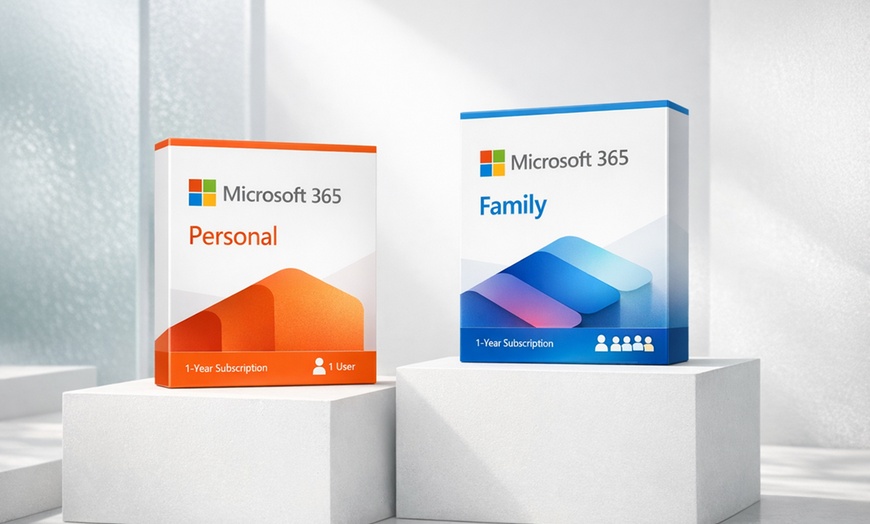
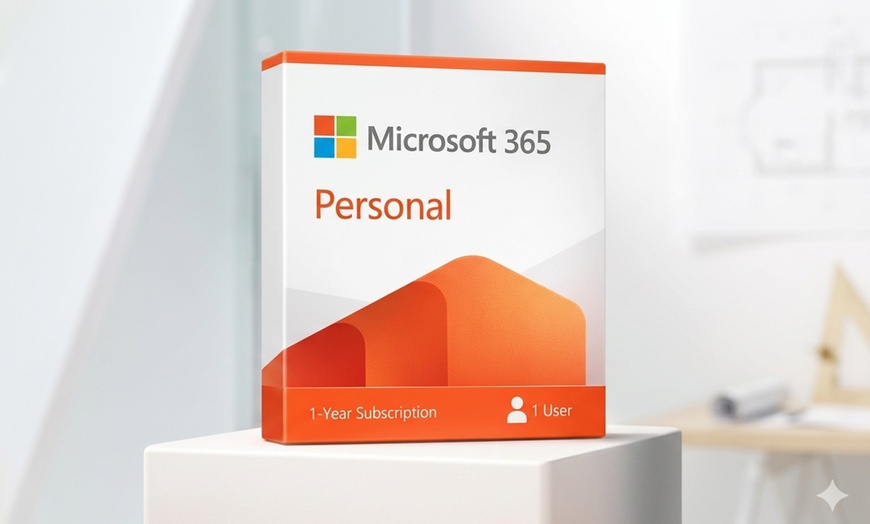
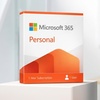
  • Microsoft 365 Personal 1-Year Subscription
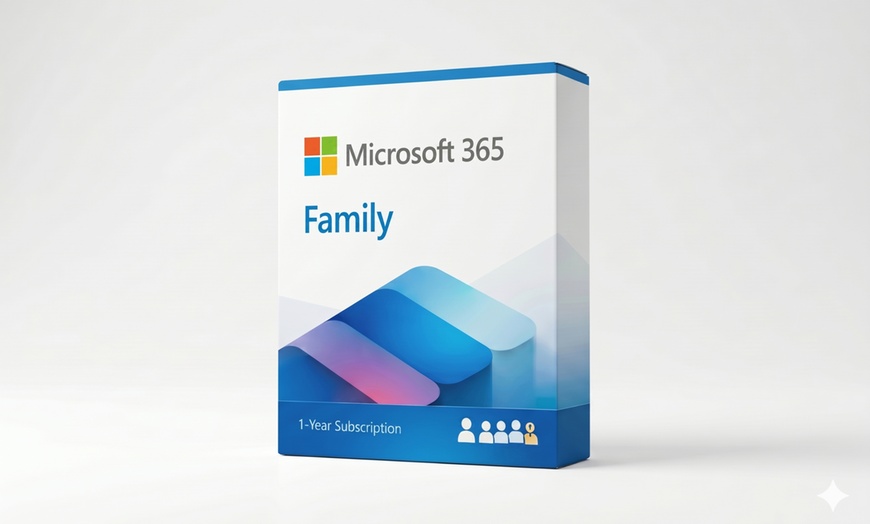
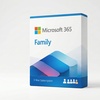
  • Microsoft 365 Family (Up to 6 Users) 1-Year Subscription

Premium value included

  • MS Word
  • MS Excel
  • MS PowerPoint
  • Microsoft Copilot (AI-powered productivity assistant)
  • Microsoft Defender
  • OneDrive
  • Outlook
  • MS Editor
  • Clipchamp
  • MS OneNote

Option 1. Microsoft 365 Personal 1-Year Subscription

Key Features:

  • For one person
  • Use on up to 5 devices simultaneously
  • Works on PC, Mac, iPhone, iPad, & Android phones and tablets
  • 1TB (1,000 GB) of secure cloud storage
  • Word, Excel, PowerPoint, & OneNote with offline access and premium features
  • Microsoft Defender advanced security for your personal data & devices
  • Outlook ad-free secure email
  • Microsoft Editor advanced spelling, grammar, & writing assistance
  • Clipchamp video editor with premium filters and effects
  • Expanded content library of high-quality photos, icons, fonts, videos, & audio
  • Chromebook not supported

Option 2. Microsoft 365 Family (Up to 6 Users) 1-Year Subscription

Key Features:

  • For one to six people to share
  • Each person can use on up to 5 devices simultaneously
  • Works on PC, Mac, iPhone, iPad, & Android phones and tablets
  • Up to 6 TB of secure cloud storage (1 TB per person)
  • Word, Excel, PowerPoint, & OneNote with offline access and premium features
  • Microsoft Defender advanced security for your personal data & devices
  • Outlook ad-free secure email
  • Microsoft Editor advanced spelling, grammar, & writing assistance
  • Clipchamp video editor with premium filters & effects
  • Expanded content library of high-quality photos, icons, fonts, videos, & audio
  • Chromebook not supported

System Requirements

PlatformRequirements
Windows• OS: Windows 10 or 11 (latest version recommended)
• Processor: 1.6 GHz dual-core or faster (2.0 GHz+ for Skype/Teams)
• RAM: 4 GB (2 GB for 32-bit)
• Storage: 4 GB free space
• Display: 1280 x 768
• Browser: Latest Edge, Chrome, Firefox, or Internet Explorer
• Other: Internet required for some features; .NET 3.5 or 4.6+ may be required
macOS• OS: Most recent 3 versions of macOS
• Processor: Intel
• RAM: 4 GB
• Storage: 10 GB free (HFS+ format)
• Display: 1280 x 800
• Other: Internet and Microsoft account required
iOS• OS: Latest 2 iOS versions
• Other: Internet required
Android• OS: Last 4 major Android versions
• Processor: ARM or Intel x86
• RAM: 1 GB
• Other: Internet required

IMPORTANT: Your Groupon Redemption Code is your official Microsoft 365 License Key. Follow these 2 steps to activate your software:

STEP 1: Get your Microsoft 365 Key from Groupon

  • Log in to My Groupons and click "See Details".
  • Locate and copy the Redemption Code (found under the barcode).
  • This code is your official Microsoft 365 Product Key.

STEP 2: Activate and Install Microsoft 365

  1. Visit setup.office.com and sign in with your Microsoft account.
  2. Enter your Product Key (your Groupon Redemption Code).
  3. Click Next and follow the prompts.
  4. Run the downloaded file to start the installation.

Dedicated Customer Support: If you encounter any issues during redemption or activation, License Tom's dedicated support team is available to assist. Contact support@licensetom.com for help.

Simple Download & Activate: To get protected, you will need an internet connection to download the software. Please note that administrator access on your computer may be required for installation.

Fine Print

Promotional value expires 120 days after purchase. Amount paid never expires.
  • Limit 1 per person.
  • Your Groupon Redemption Code is your official Microsoft 365 License Key.
Merchant is solely responsible to purchasers for the care and quality of the advertised goods and services. Learn about Strike-Through Pricing and Savings

About Microsoft 365 Personal & Family 1-Year Subscriptions

Groupon Customer Reviews

100% Verified Reviews
All Groupon reviews are from people who have redeemed deals with this merchant. Review requests are sent by email to customers who purchased the deal.

Customer Photos

  • Photo submitted by Scot
  • Photo submitted by Katelyn
  • Photo submitted by Rick
  • Photo submitted by Laura
  • Photo submitted by Christopher
    See All Photos