68%
7%
2%
1%
22%
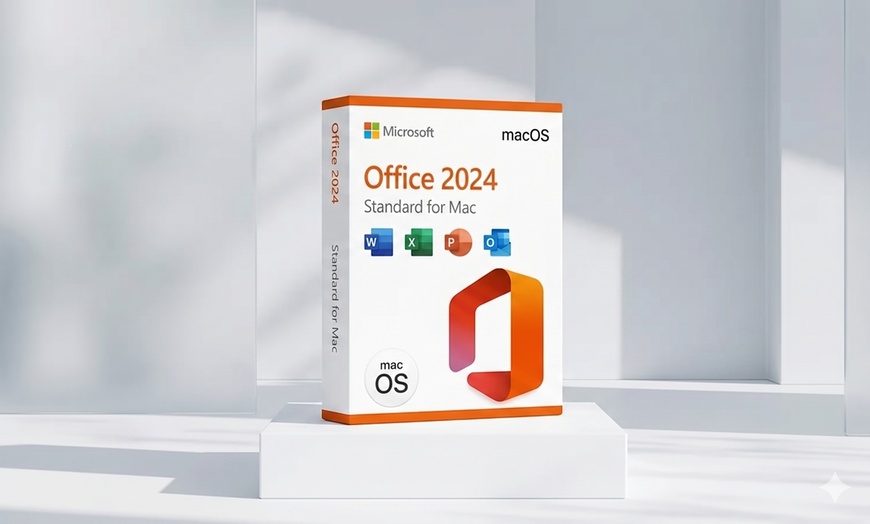
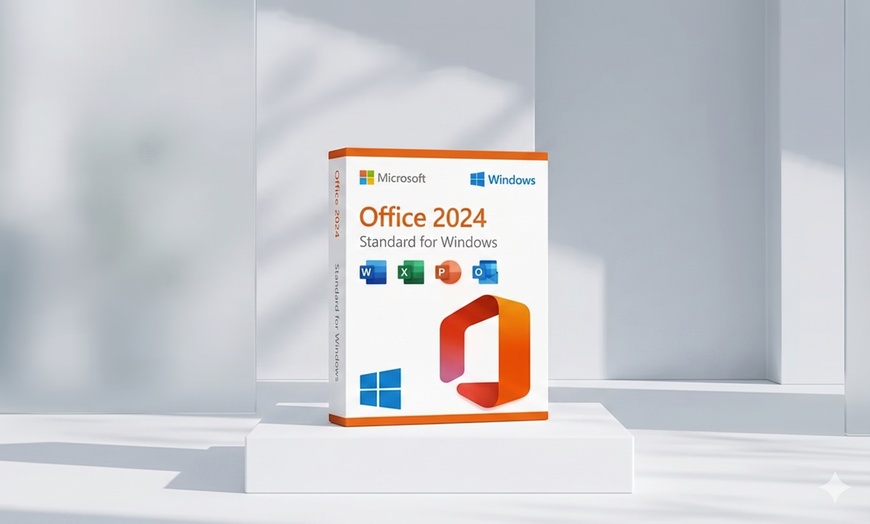
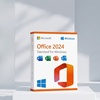
This product is sold by a seller listed on Microsoft's official Marketplace. You can verify the partnership details on the Microsoft Partnership Portal.
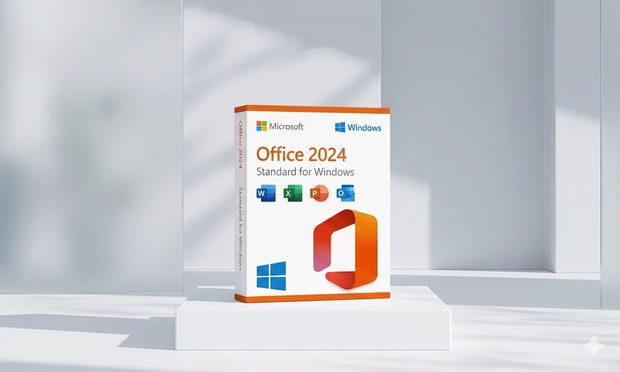
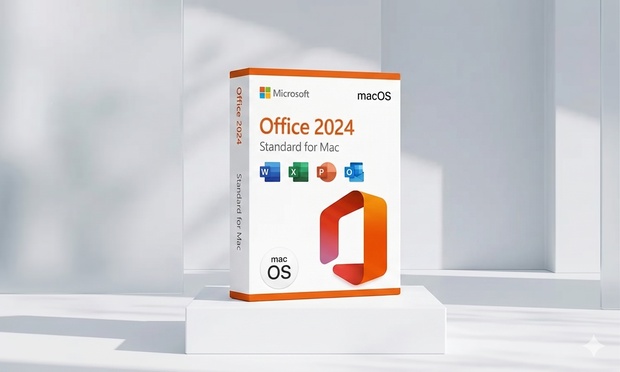
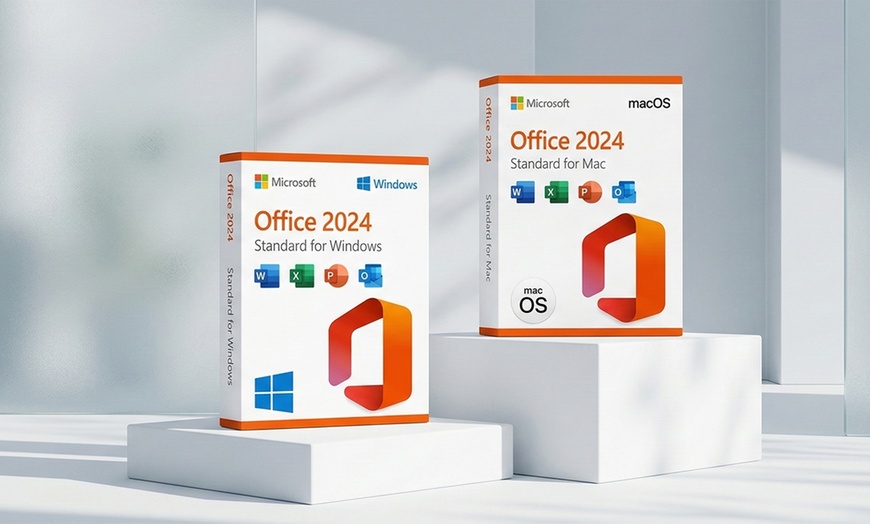
Microsoft Office Standard 2024 is a one-time purchase with instant digital delivery and no subscription ever required. Choose Standard for Windows PC or Standard for Mac, pay once, and own Office 2024 with Microsoft security updates through October 9, 2029. No renewal reminders, no credit card on file, and no recurring fees.
This is NOT Microsoft 365. This is a one-time purchase — you own Office Standard 2024 forever with no subscription or recurring charges. Microsoft 365 is the annual cloud subscription ($99.99/year), whereas Office Standard 2024 is a perpetual desktop license.
The Core Productivity Suite, fully optimized for Windows 10 and Windows 11.
System Requirements:
Optimized for macOS Ventura, Sonoma, and Sequoia with native Apple Silicon support (M1, M2, M3, M4).
System Requirements:
Both versions include lifetime activation tied to one device and full offline productivity. No subscription, renewal, or monthly fees ever. Note: Microsoft Copilot is a Microsoft 365 subscription feature and is not included with Office 2024 perpetual licenses.
Dedicated Activation Support: License Choice’s support team (including John, named by real buyers on the Groupon review feed) is highly responsive on activation issues — multiple verified buyers report fixes within minutes to hours. This is backed by independent validation on Trustpilot (4.9/5 across 1,438 reviews, 96% 5-star) and Groupon’s buyer guarantee.
Before you start: Uninstall any previous Office installation first. Installing over an existing Office version is the #1 cause of activation errors. Go to Settings → Apps and uninstall any prior Office (2019, 2021, 365) plus OneDrive, then restart your device before running the Office 2024 installer.
Locate your Groupon voucher code after purchase in My Stuff.
Visit the merchant's website to begin the redemption process.
Enter your Groupon code and the email address used for purchase to receive your product key and installation instructions.
Follow the merchant's instructions to download and activate. Orders process within 60 minutes. Check your inbox and spam folder for the activation email. For assistance, contact [email protected].
Need Support? Orders process within 60 minutes — please check your inbox and spam folder. For assistance, contact [email protected].
“I installed program with no problem after months of not using computer I was having trouble with activation message so I emailed the support team & not only did they respond within the hour but they also had the problem fixed as well.”
Verified Buyer“This was a great purchase. I received easy to follow directions and a video with step-by-step instructions. I'd definitely buy again.”
Verified Buyer“Good product. Slightly complicated redemption process, but really not that hard. I had some trouble with it a few months later, but their tech support was truly excellent and super fast, and they got it working again asap - I was impressed.”
Verified Buyer“What a great purchase! Thanks to John in the support team I had to exchange the download to the 2021 version because my MacBook is running on an older update. He sent me the new download right away and it works perfectly!”
Verified BuyerDevice Licensing
One key is permanently tied to one device. Standard for Windows PC is compatible with Windows only, and Standard for Mac is compatible with Mac only. You cannot use the same key on both operating systems.
System Requirements
Windows: 10 or 11 (64-bit required). Mac: macOS Ventura, Sonoma, or Sequoia. Internet connection is required for initial activation, with a minimum of 4 GB RAM (8 GB recommended).
Welcome to License Choice! Your go-to destination for premium game keys and Microsoft software. As a verified Microsoft partner, we bring you authentic, top-notch products. Whether you're a gamer or professional, our platform offers a seamless experience, ensuring you have access to the latest and most reliable digital solutions. Trust License Choice for genuine game keys and Microsoft software that elevate your digital experience.


Error submitting request
Thank you for your response