76%
5%
2%
1%
17%
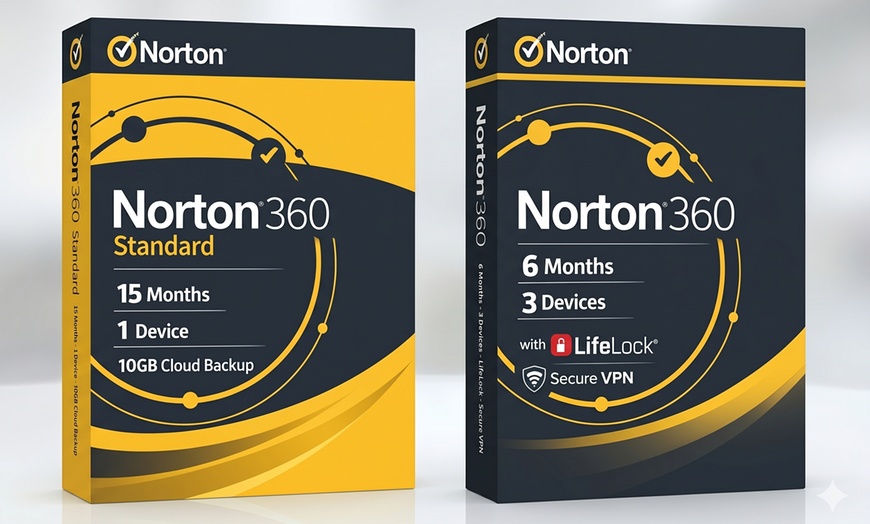
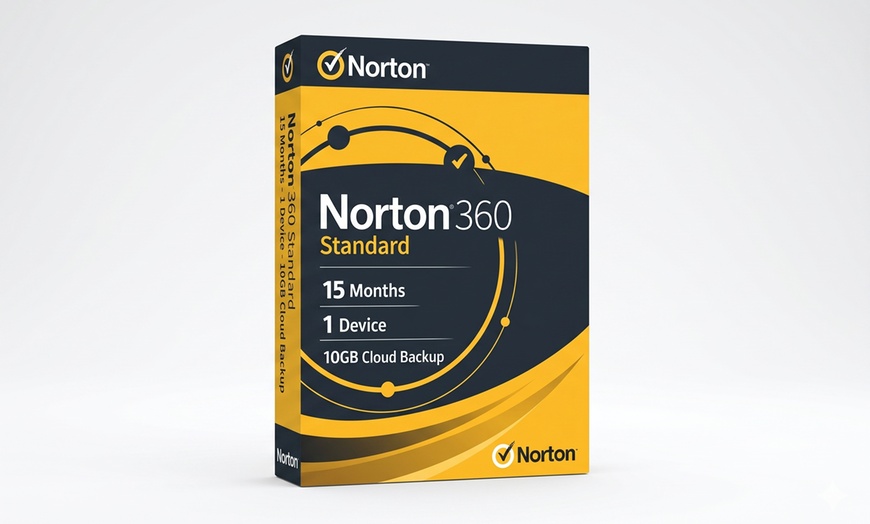
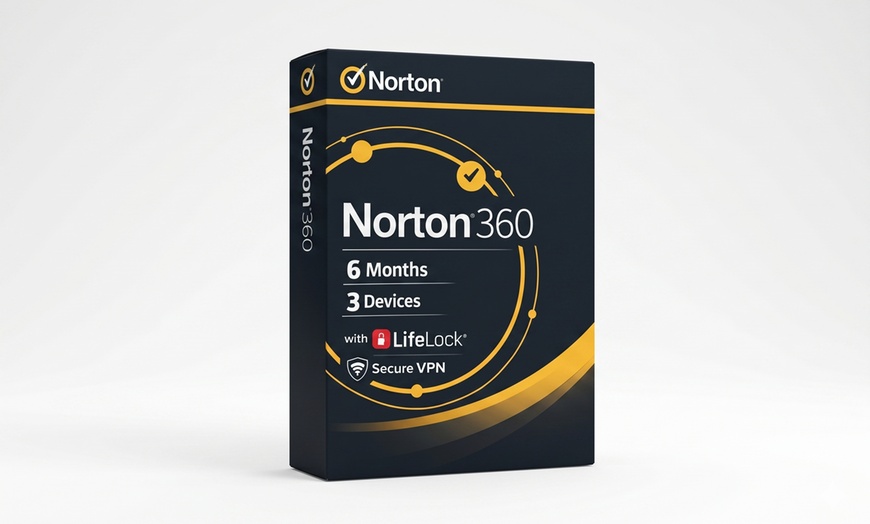
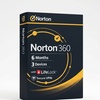
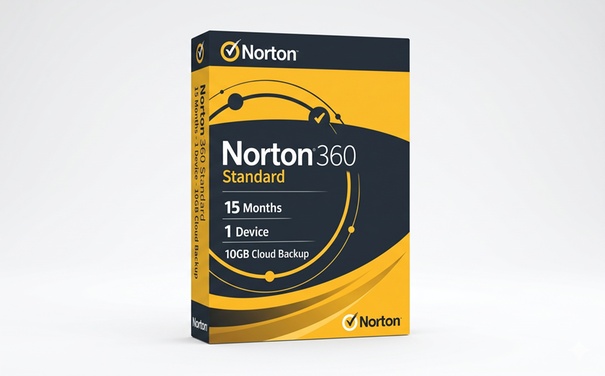
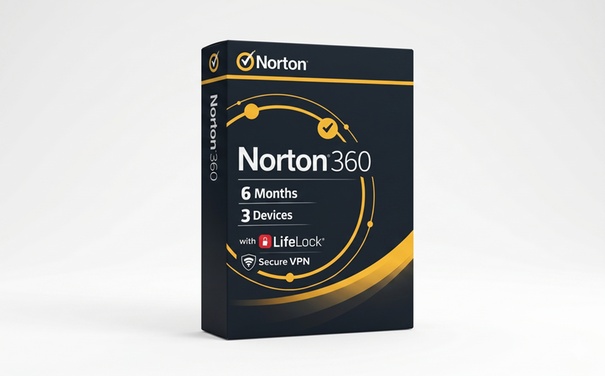
Norton 360 is the world’s #1 security suite, rated 6/6 by AV-TEST and trusted by 500 million+ users worldwide. This Groupon deal delivers two genuine Norton 360 subscription keys via MyCodes24 (Trustpilot 4.7/5, 1,100+ verified reviews). Subscription requires a stored payment method for activation. Auto-renews after the subscription term (cancel anytime).
1 Device · 15 Months
Full protection for Windows, Mac, Android, and iOS.
$15.90 (was $19.88 · save 20%)
System Requirements: Windows 7+ (32/64-bit), macOS (current + previous 2 versions), Android 10.0+, iOS (current + previous 2 versions).
3 Devices · 6 Months
Family protection + identity support.
$19.90 (was $24.88 · save 20%)
System Requirements: Windows 7+, macOS, Android 10+, iOS. LifeLock features: US residents only. Some features Mac/mobile limited.
Official Product
Sold by MyCodes24. Activate directly at norton.com — genuine subscription.
Activation Code by Email
Your activation code is delivered by email. Redeem at mycodes24.com using your Groupon voucher.
Global Activation
Keys activate worldwide — no region lock. Works in the US, Canada, Europe, and beyond.
| Feature | Standard (1 Device · 15 Months) | Deluxe + LifeLock (3 Devices · 6 Months) |
|---|---|---|
| Real-time antivirus & malware | ✓ | ✓ |
| Secure VPN | ✓ | ✓ |
| Dark Web Monitoring | ✓ | ✓ |
| Cloud Backup (PC) | 10 GB | 25 GB |
| AI Scam Protection | ✓ | |
| SafeCam & Smart Firewall | ✓ | |
| LifeLock Identity Advisor (US only) | ✓ |
“Code arrived quickly and activated without any issues. Norton’s protection is top-notch. Great price for 15 months.”
Standard buyer“Got the Deluxe for 3 devices, my whole family is covered. LifeLock is a bonus I didn’t expect at this price.”
Deluxe+LifeLock buyer“MyCodes24 delivered within 30 minutes. Key activated first try on norton.com. Will buy again next year.”
Trustpilot“15 months for under $16, better than anything they sell directly. Dark Web Monitoring caught my email in a breach list.”
TrustpilotSelect Norton 360 Standard (1 device) or Deluxe + LifeLock (3 devices) and complete checkout.
Go to My Groupons and click “View Voucher.” Your Groupon code is your activation key, no exchange needed.
Visit norton.com sign in or create a free account, and enter your key to activate.
Download Norton 360 from your account dashboard and install on all covered devices.
LifeLock: US Residents Only
• LifeLock Identity Advisor in the Deluxe option is available to US residents only
• International buyers get full antivirus, VPN, and security features
• LifeLock identity monitoring and restoration support will not activate outside the US
Subscription Terms
• Standard: 1 device, 15 months
• Deluxe+LifeLock: 3 devices, 6 months
• Subscription requires a stored payment method for activation and auto-renews after the term (cancel anytime)
• Terms begin from activation date, not purchase date
Account Required
• A free account at norton.com is required to activate
• Create one during setup if you don’t have one
• Your account manages all covered devices
• Dark Web Monitoring requires separate enrollment in account
Activation Support
• MyCodes24 (Trustpilot 4.7/5) handles key delivery and activation help
• Keys delivered within 2 hours
• Issues? Contact MyCodes24 support directly, typically resolved within 24 hours
• Support also available at norton.com/support


Error submitting request
Thank you for your response