Up to 30% Off 1-Year Subscription to QuickBooks Desktop Enterprise 2024 for Business or Nonprofit

QuickBooks Desktop Enterprise

$899
$629.30
30% Off
$579.30
$579.30 with promo ends at 12/31
Promo Applied
Extra $50 off
Promo Code SAVE. Ends 12/31.
Apply
Over 10 views today, so act now!

Streamline Your Business Finances with QuickBooks Desktop Plus 2024.

Get a genuine 1-Year US Subscription to Intuit QuickBooks Desktop Pro Plus or Premier Plus 2024. Manage your accounting, invoicing, expenses, and reporting with full admin access.

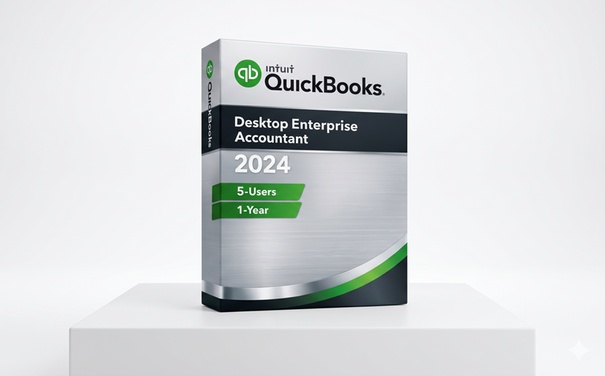
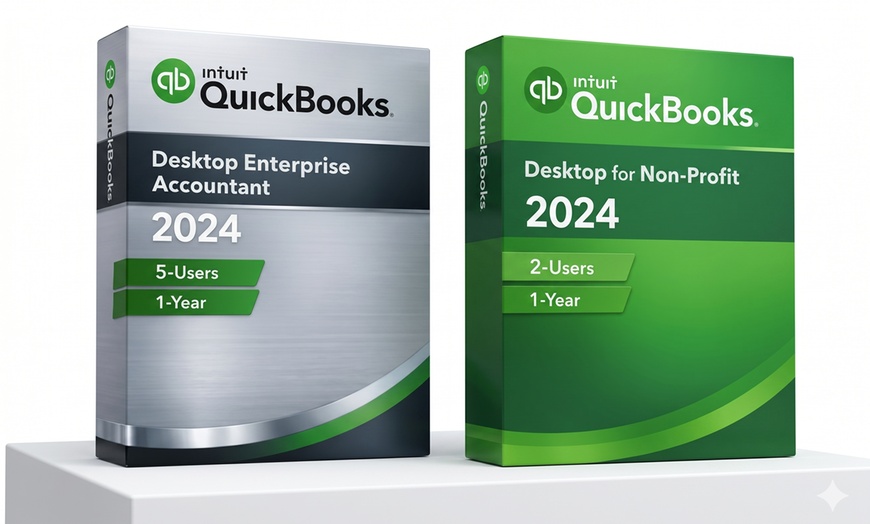
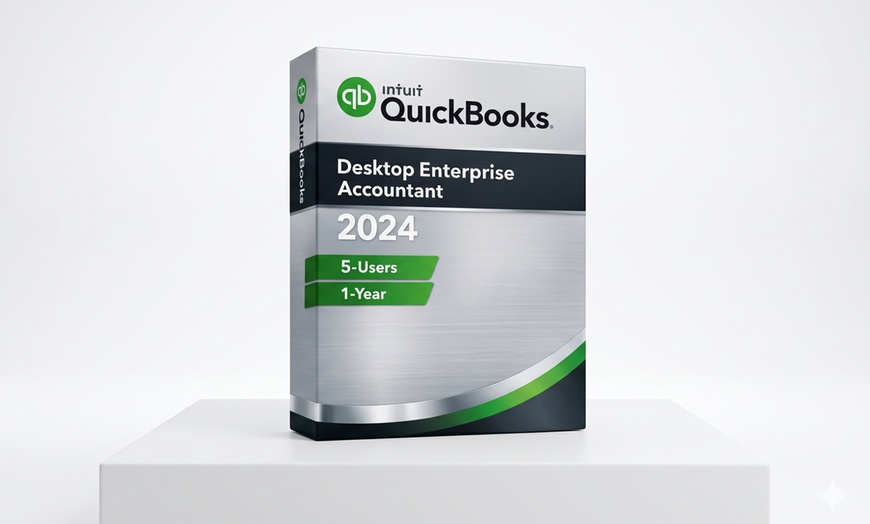
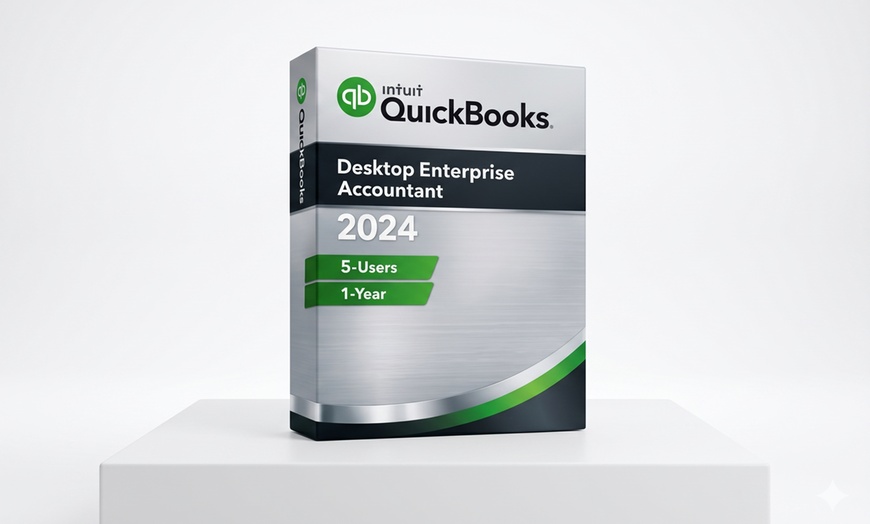
OPTION 1: QuickBooks Desktop Enterprise 2024 (5-Users)

QuickBooks Desktop Enterprise 2024 — 1-Year Subscription | 5 Users | Windows | US License

QuickBooks Desktop Enterprise 2024 is Intuit's most powerful desktop accounting solution, designed for businesses with complex data management needs and larger teams.

What's Included:

  • High-capacity data handling for complex businesses
  • Advanced inventory management
  • Advanced pricing rules
  • Expanded list limits

What's NOT Included:

  • Payroll features (available as a separate add-on directly from Intuit)
  • Cloud hosting (this is a Desktop product — data is stored locally)
License Details:
  • 1-Year Subscription (not a lifetime, perpetual, NFR, trial, education, or shared license)
  • 5 Users / 1 Company per license
  • Valid for US and Canada activation
  • New retail license — registered to the customer's own Intuit account with full admin control
System Requirements:
  • OS: Windows 10 or 11 (64-bit only)
  • RAM: 8GB minimum (16GB recommended)
  • Disk Space: 2.5GB
  • Screen Resolution: 1280x1024 minimum
  • Internet connection required for activation and updates
How to Redeem:
  1. After purchase, you will receive a Groupon Voucher Code via email.
  2. Visit kvickconsulting.net/#contact and enter your Groupon Voucher Code and contact details in the secure form.
  3. You will receive a confirmation email to verify your address.
  4. Shortly after, you will receive a second email containing your official Intuit License Key and the official software download link: downloads.quickbooks.com/app/qbdt/products
  5. Download the software directly from the official Intuit link and activate it within the QuickBooks desktop application during the installation process.
Renewal & Support:
  • No auto-renewal. You will receive an email notification before your license expires.
  • You can cancel at any time with no penalty.
  • Customer Support: [email protected] | +1 (212) 452-5236

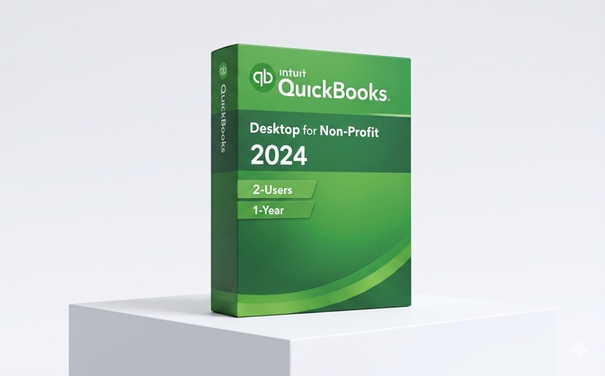
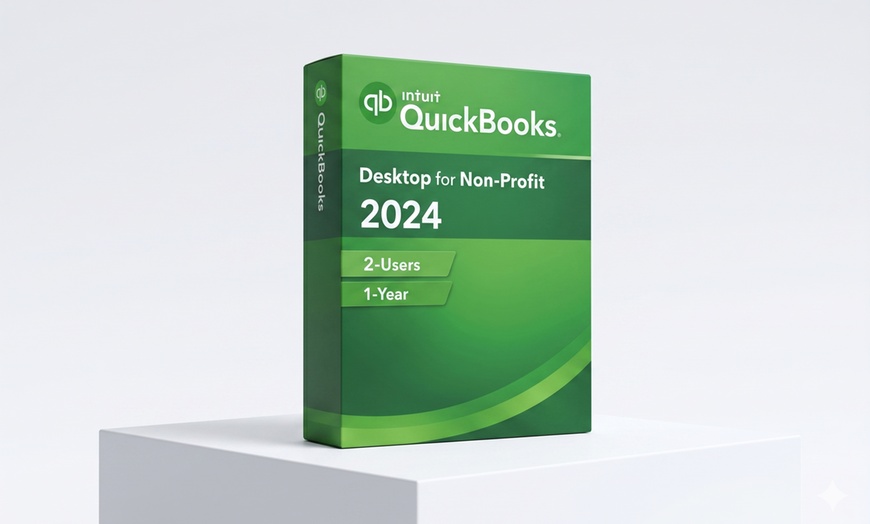
OPTION 2: QuickBooks Desktop Enterprise Nonprofit 2024 (2-Users)

QuickBooks Desktop Enterprise Nonprofit 2024 — 1-Year Subscription | 2 Users | Windows | US License

QuickBooks Desktop Enterprise Nonprofit 2024 delivers the same high-capacity capabilities of QuickBooks Enterprise, specifically optimized for nonprofit organizations.

What's Included:

  • High-capacity data handling optimized for nonprofit organizations
  • Advanced inventory management
  • Advanced pricing rules
  • Expanded list limits

What's NOT Included:

  • Payroll features (available as a separate add-on directly from Intuit)
  • Cloud hosting (this is a Desktop product — data is stored locally)
License Details:
  • 1-Year Subscription (not a lifetime, perpetual, NFR, trial, education, or shared license)
  • 2 Users / 1 Company per license
  • Valid for US and Canada activation
  • New retail license — registered to the customer's own Intuit account with full admin control
System Requirements:
  • OS: Windows 10 or 11 (64-bit only)
  • RAM: 8GB minimum (16GB recommended)
  • Disk Space: 2.5GB
  • Screen Resolution: 1280x1024 minimum
  • Internet connection required for activation and updates
How to Redeem:

IMPORTANT: Your Groupon Voucher Code is NOT your QuickBooks license key. Follow the steps below to receive your official Intuit License Key:

STEP 1: Get your Groupon Voucher Code

  • Log in to Groupon and go to My Groupons.
  • Find your purchase and click "See Details".
  • Locate and copy your Voucher Code (found under the barcode).

STEP 2: Submit your Code to Kvick Consulting

STEP 3: Check your Email (Two emails will be sent)

  • Email 1: A confirmation email to verify your email address. You must confirm it to proceed.
  • Email 2: Your official Intuit License Key and the software download link.
  • Check your Spam/Junk folder if you don't see either email.

STEP 4: Download and Activate QuickBooks

  • Download QuickBooks from the official Intuit link: downloads.quickbooks.com
  • Install the software and enter your Intuit License Key when prompted during the installation process.

Need help? Contact: [email protected]

Renewal & Support:
  • No auto-renewal. You will receive an email notification before your license expires.
  • You can cancel at any time with no penalty.
  • Customer Support: [email protected] | +1 (212) 452-5236

Fine Print

  • Limited to 1 per customer.
  • Must be redeemed within 30 days of purchase.
  • Valid for US activation and usage only (North America SKU).
  • This is a 1-Year Subscription — not a lifetime, perpetual, NFR, trial, education, or shared license.
  • Payroll features NOT included.
  • Cloud hosting NOT included (Desktop product).
  • Requires Windows 10 or 11 (64-bit), minimum 8GB RAM (16GB recommended), 2.5GB disk space, 1280x1024 screen resolution, internet connection.
  • Non-refundable once the activation key has been delivered.
  • Refunds only issued for verified technical issues with the license or activation process.
  • Support: [email protected] | +1 (212) 452-5236