


Highlights
🛒After purchasing the deal, visit the website listed on the voucher to redeem the voucher or send an email at [email protected]
About This Deal
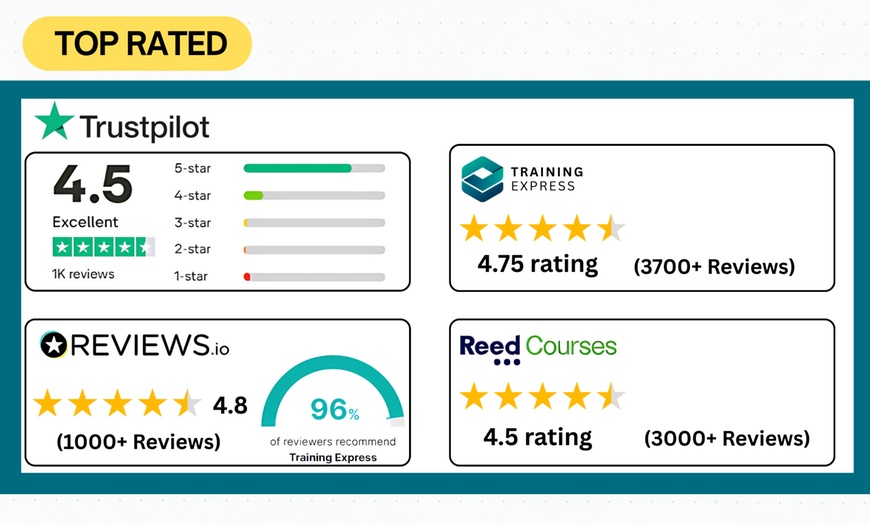
⭐ Trusted by Over 10K Business Partners & 1 Million Students Around the World! ⭐
Why stop in Microsoft Excel when you can have it all!
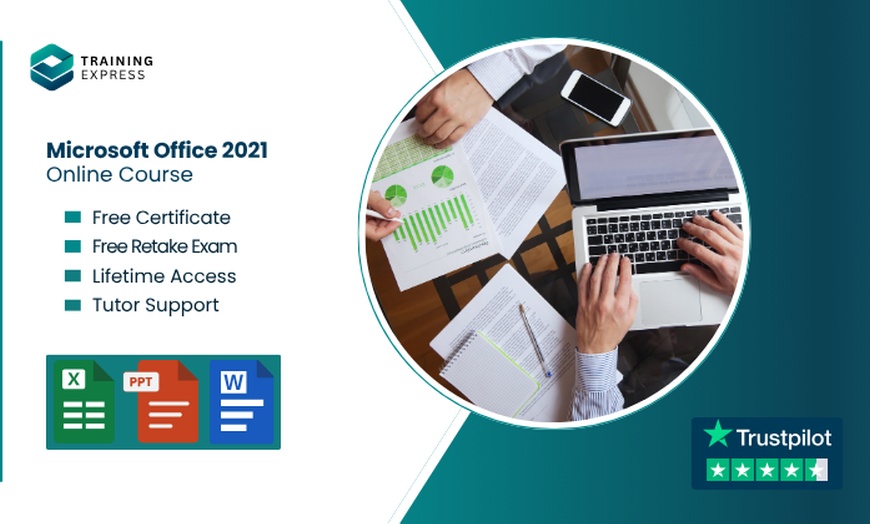
Buy Microsoft Excel and Get Microsoft Office course on us!
After Your Purchase
After purchasing this deal, you'll need to visit the merchant's website to complete redemption.
- The course is dedicated to those who would like to master the basics of Microsoft Excel 2019, click here to get more information.
- Students participate by completing online material at their own pace.
Course Curriculum
- Section 01: Getting Started
- Section 02: Excel 2021: Basics
- Section 03: Excel 2021: Rows, Columns, and Cells
- Section 04: Excel 2021: Data Handling
- Section 05: Excel 2021: Page Setting Up and Print
- Section 06: Excel 2021: Sorting and Filtering
- Section 07: Excel 2021: Writing Formulas
- Section 08: Excel 2021: Advanced Formulas
- Section 09: Excel 2021: XLOOKUP only for 2021 and Office 365
- Section 10: Excel 2021: Data and Tools
- Section 11: Excel 2021: Formatting data and tables
- Section 12: Excel 2021: Pivot Tables
- Section 13: Excel 2021: Charts
- Section 14: PowerPoint 2021: Course Introduction
- Section 15: PowerPoint 2021: Basics
- Section 16: PowerPoint 2021: Text and Bullet Options
- Section 17: PowerPoint 2021: Adding Graphic Assets
- Section 18: PowerPoint 2021: Picture Formatting
- Section 19: PowerPoint 2021: SmartArt Graphics
- Section 20: PowerPoint 2021: Working with Tables
- Section 21: PowerPoint 2021: Working with Charts
- Section 22: PowerPoint 2021: Adding Multimedia
- Section 23: PowerPoint 2021: Working with Transition
- Section 24: PowerPoint 2021: Animation
- Section 25: PowerPoint 2021: Slideshow Effects
- Section 26: Word 2021: Introduction
- Section 27: Word 2021: Basics
- Section 28: Word 2021: Word Formatting
- Section 29: Word 2021: Tables
- Section 30: Word 2021: Styles
- Section 31: Word 2021: Page Layout
- Section 32: Word 2021: Envelops and Lables
- Section 33: Word 2021: Mail Merges
- Section 34: Word 2021: Review and Printing
How to Complete the Redemption Process:
- After you purchase the course, visit this page https://trainingexpress.org.uk/redeem-voucher/
- Enter your necessary information along with your Groupon Security Code.
- Click ''Submit.'' You will receive your product within 48 hours.
- If you have any questions, contact via the websites live chat.
- Or Send us the security code along with the Screenshot to [email protected].
Training Express
Training Express knows that expanding one's knowledge is crucial. That is why its team offers a wide variety of online courses, covering topics like business well-being, safety in the workplace, and food hygiene, giving students a chance for personal development. To accommodate busy schedules, the courses can be taken at one's own pace.
