
Trending

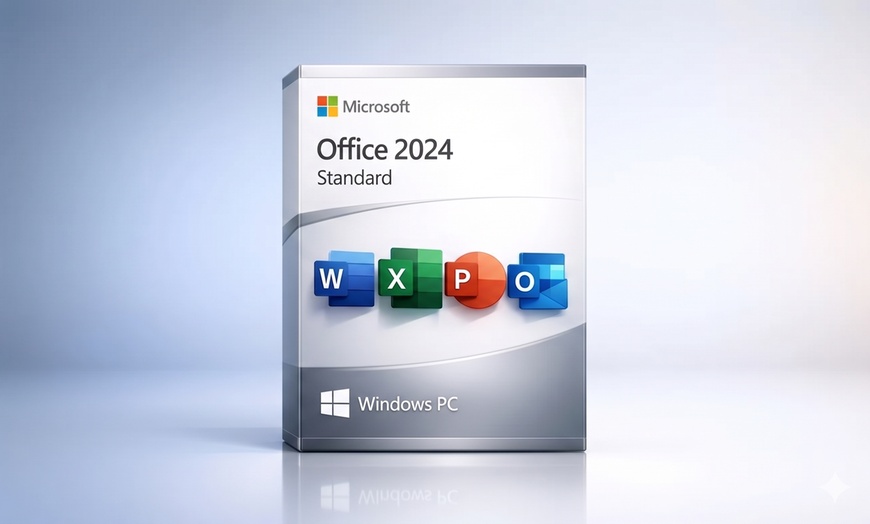
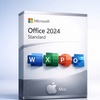
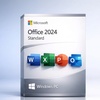
Official Lifetime License to Microsoft Office 2024 Standard For PC or Mac

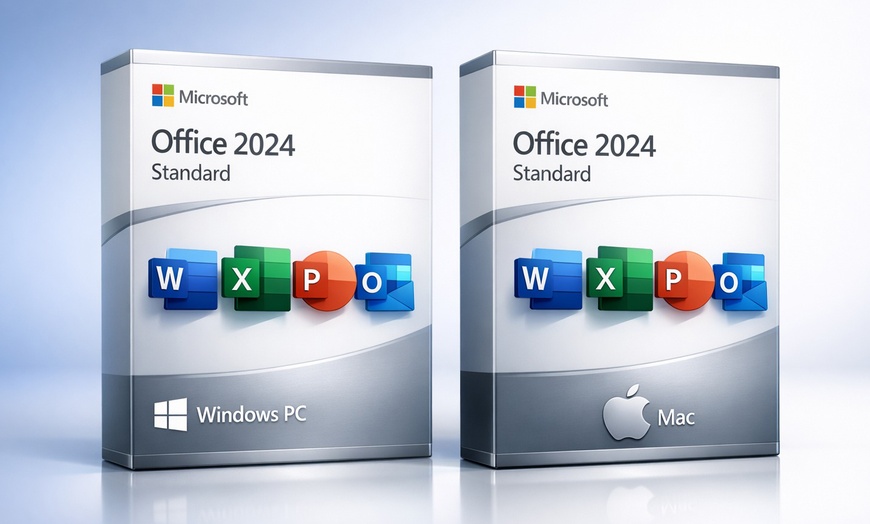
Microsoft Office Standard 2024 for PC or Mac

Select Option
Extra $4.36 off
Promo Code SAVE. Ends 12/31.
Apply
Over 80 sold today, this item is moving fast. Act now if you want one of your own!
  • Instant: Great for last-minute gifts. Simply print or send the voucher after purchase.
  • Customizable: Personalize the message and appearance to make your gift truly special.
  • Exchangeable: Hassle-free returns and exchanges for the giftees.

Microsoft  This product is sold by a seller listed on Microsoft's official Marketplace. ↗ Check Microsoft Partnership Portal here

Microsoft Office Standard 2024 — a one-time purchase, instant digital delivery, no subscription ever. Choose Standard for Windows PC or Standard for Mac, pay once, and own Office 2024 with Microsoft security updates through October 9, 2029. No renewal reminders. No credit card on file. No recurring fee.

⚠️ This is NOT Microsoft 365. This is a one-time purchase — you own Office Standard 2024 forever, no subscription, no recurring charges. Microsoft 365 is the annual cloud subscription ($99.99/year). Office Standard 2024 is a perpetual desktop license.

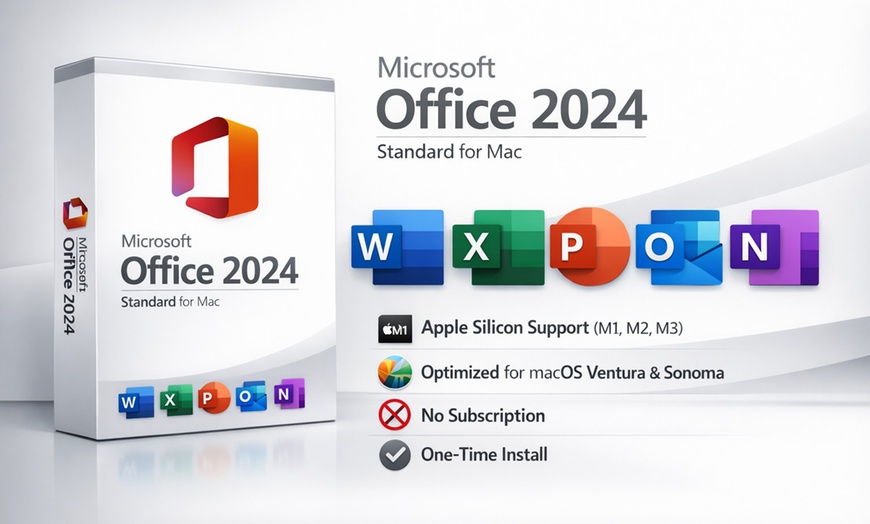
Standard for Mac — Optimized for macOS

Office 2024 Standard for Mac delivers the core productivity suite fully optimized for macOS Ventura, Sonoma, and Sequoia with native Apple Silicon support. Runs natively on M1, M2, M3, and M4 Macs — no Rosetta required.

  • Word for Mac — Native macOS performance with full formatting fidelity
  • Excel for Mac — Complete formula support and pivot tables
  • PowerPoint for Mac — Native animations and Apple Silicon speed
  • Outlook for Mac — Full Microsoft account and Exchange integration
  • OneNote for Mac — Cross-device synced digital notebooks

Both versions include lifetime activation tied to one device and full offline productivity. No subscription. No renewal. No monthly fee — ever. Note: Microsoft Copilot is a Microsoft 365 subscription feature and is not included with Office 2024 perpetual licenses.

Office Standard for Windows PC Banner

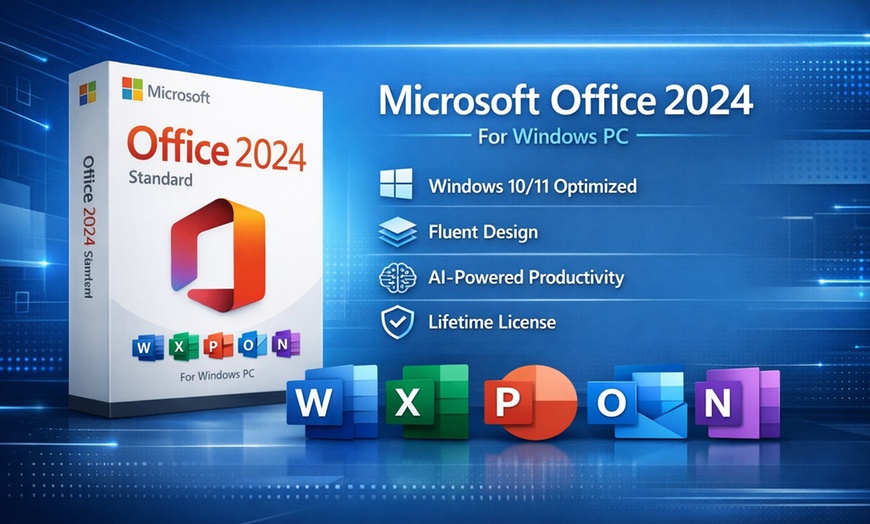
Microsoft Office 2024 Standard for Windows PC

From $21.85
85% off $149.99 MSRP
  • ✓ Word
  • ✓ Excel
  • ✓ PowerPoint
  • ✓ Outlook
  • ✓ OneNote
  • ✕ Access (not included in Standard)
  • ✕ Publisher (not included in Standard)
  • ✕ Mac compatible
Best for: Windows users who want the core productivity apps
System Requirements ▶
  • Windows 10 or 11 (64-bit)
  • 4 GB RAM minimum
  • 4 GB available disk space
  • Internet connection for activation
Office Standard for Mac Banner

Microsoft Office 2024 Standard for Mac

From $39
74% off $149.99 MSRP
  • ✓ Word
  • ✓ Excel
  • ✓ PowerPoint
  • ✓ Outlook
  • ✓ OneNote
  • ✓ Native Apple Silicon (M1/M2/M3/M4)
  • ✕ Access (Windows only)
  • ✕ Publisher (Windows only)
Best for: Mac users who want Office 2024 natively on macOS
System Requirements ▶
  • macOS 13 or later
  • 4 GB RAM minimum
  • 10 GB available disk space
  • Internet connection for activation
35,000+
Standard 2024 bought on Groupon
4.6/5
Trustpilot · 1,010 reviews
B+
BBB rating
4.3/5
Groupon · 39,000+ reviews
Here’s the math. Office Standard 2024 MSRP: $149.99. Microsoft 365 Personal: $99.99/year = $499.95 over 5 years. This deal: $21.85 (Standard, Windows PC) or $39 (Standard, Mac). Save ~$478 over 5 years vs a subscription — and you own it forever.

MyCodes24 replies to 90% of negative Trustpilot reviews. Publicly documented activation support 13 months (Tim H) and up to 2 years (Zash) after purchase. Backed by Groupon’s buyer guarantee — if resolution fails, Groupon makes it right.

How It Works

⚠️ Before you start: Uninstall any previous Office installation first.
Installing over an existing Office version is the #1 cause of activation errors and 1-star reviews. Go to Settings → Apps and uninstall any prior Office (2019, 2021, 365) plus OneDrive, then restart before running the Office 2024 installer.
1

Get Your Redemption Code

Locate your MyCodes24 redemption code after purchase in My Stuff under the barcode.

2

Redeem Online

Visit the MyCodes24 redemption page at mycodes24.com/contact-mycodes24/ and enter your code.

3

Receive Your Software

Check your inbox (and spam folder) for your software delivery within 24 hours.

4

Install & Activate

Follow the merchant’s instructions to download and activate your Microsoft Office product.

Need Support?

Before You Buy

💻 Device Licensing

  • One key = one device (permanent)
  • Standard for Windows PC: Windows only
  • Standard for Mac: Mac only
  • Cannot use same key on both OS

⚙️ System Requirements

  • Windows: 10 or 11 (64-bit required)
  • Mac: macOS Ventura, Sonoma, or Sequoia
  • Internet required for initial activation
  • 4 GB RAM minimum (8 GB recommended)

What You Get

🔑 Lifetime License — No Subscription

Pay once, use forever. Unlike Microsoft 365 which charges $99–$150/year indefinitely, Office 2024 is a one-time purchase. Your license never expires and you never owe another cent.

📄 Full Core Productivity Suite

Standard 2024 includes: Word, Excel, PowerPoint, Outlook, and OneNote.

What Buyers Say

★★★★★

“David and the MyCodes24 Support Team were fantastic...”

— Verified Buyer · Groupon

★★★★★

“Microsoft office standard 2024 installed easily and works perfectly.”

— Verified Buyer · Groupon

Fine Print

Promotional value expires 60 days after purchase. Amount paid never expires.
Online redemption only. Digital Delivery

How to Redeem

  1. After purchase, go to My Stuff and find the Redemption Code under the coupon barcode.
  2. Enter the information on the redemption page.
  3. Check both your inbox and spam folder for delivery updates.
  4. Your product will be sent via email within 2 hours.

Note: For any issues or if the order doesn’t arrive within 24 hours, contact [email protected].

Merchant is solely responsible to purchasers for the care and quality of the advertised goods and services. Learn about Strike-Through Pricing and Savings

About Microsoft Office Standard 2024 for PC or Mac

Groupon Customer Reviews

100% Verified Reviews
All Groupon reviews are from people who have redeemed deals with this merchant. Review requests are sent by email to customers who purchased the deal.

Customer Photos

  • Photo submitted by Lou
  • Photo submitted by Lou
  • Photo submitted by Marshall
  • Photo submitted by Kimberly
  • Photo submitted by Kyle
    See All Photos