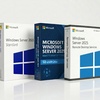
Microsoft Windows Server is the current-generation desktop operating system from Microsoft. This Groupon deal provides a lifetime activation key for either Windows Server or Windows Server — a one-time purchase tied to a single PC, with no subscription fees and no expiry date. Choose Pro for advanced security, remote management, and virtualization; choose Home for everyday computing with the modern Windows Server interface.
Product Key Purchase: You are purchasing a product key here, not a license. According to the Microsoft license terms, this product key is for one-time activation only. Key functionality may not be guaranteed if the device is modified or reinstalled. Use on multiple devices is not allowed. Refer to Microsoft’s Terms of Use and Privacy Policy for specific license details.
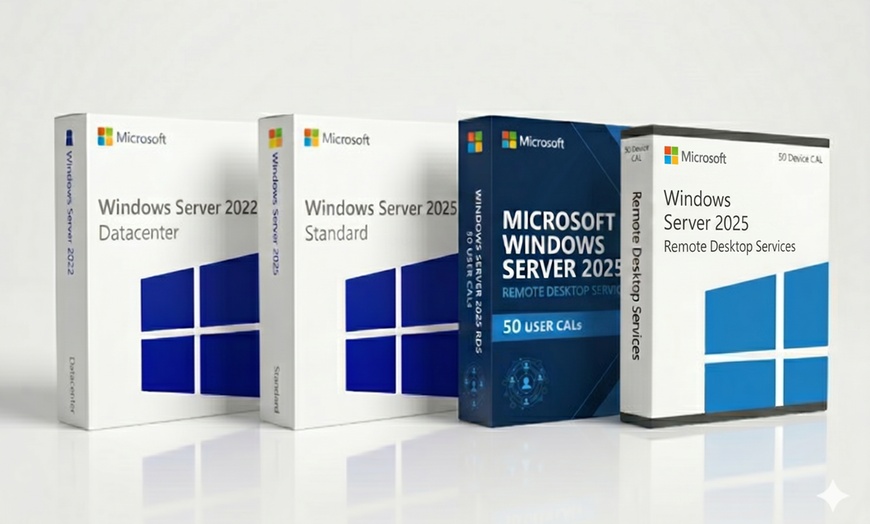
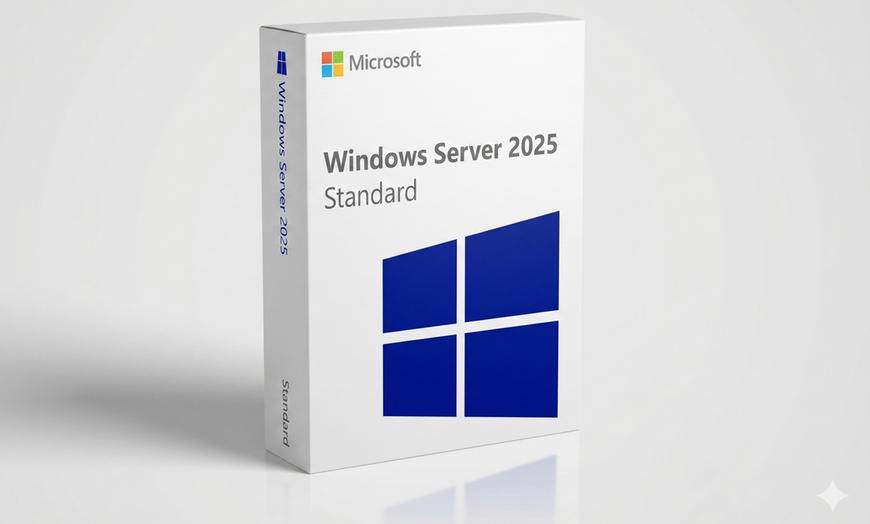
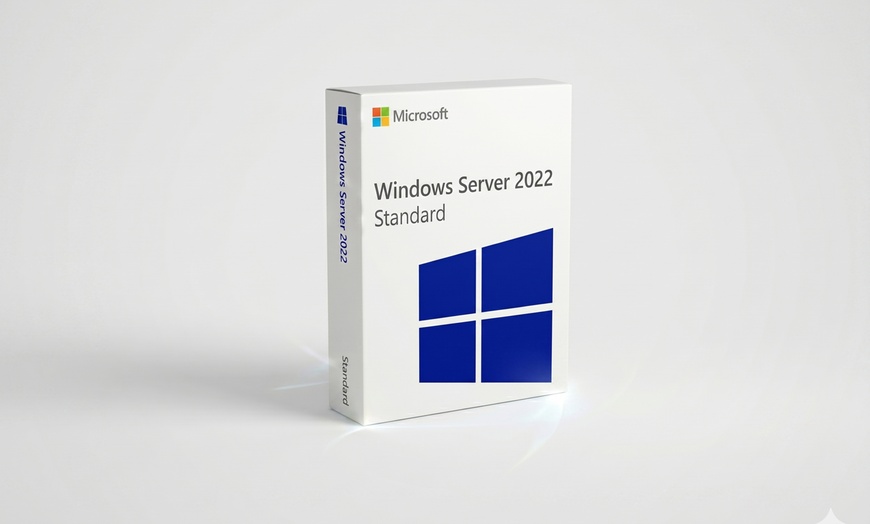
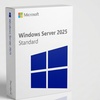
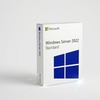
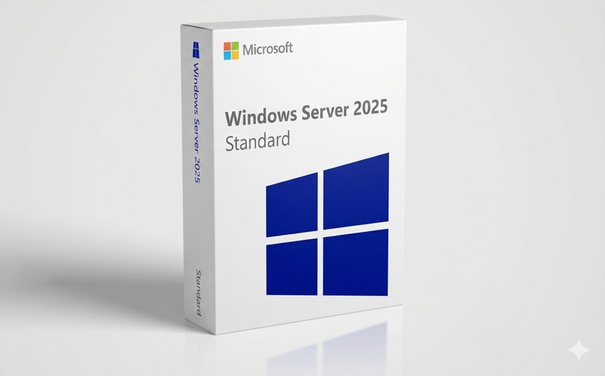
Windows Server Standard — 2022 ($22.99) or 2025 ($25.99)
The entry-level Windows Server edition for organisations running up to 2 virtual machines. Ideal for SMBs, small file servers, and hybrid cloud setups with Azure. Both 2022 and 2025 versions are one-time perpetual product keys with no subscription.
Core Windows Server OS — GUI (Desktop Experience) + Server Core installation modes
Up to 2 Hyper-V VMs included — each VM requires a separate Windows Server licence
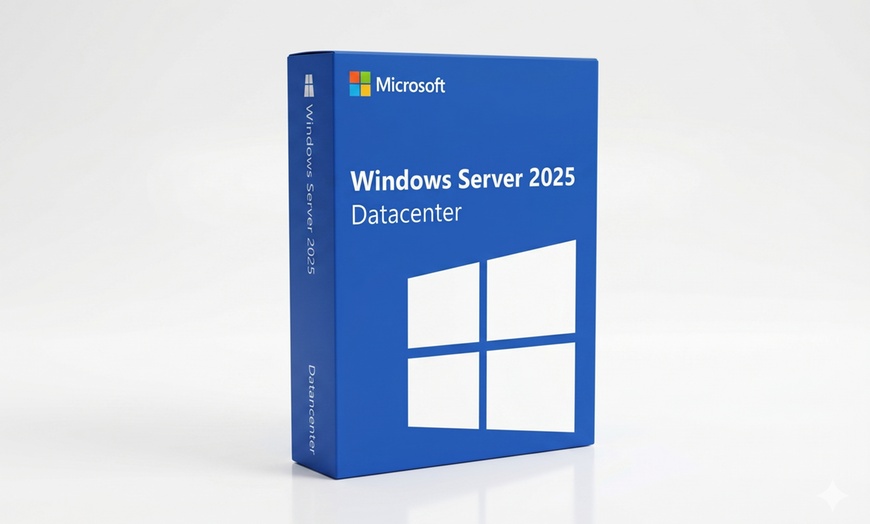
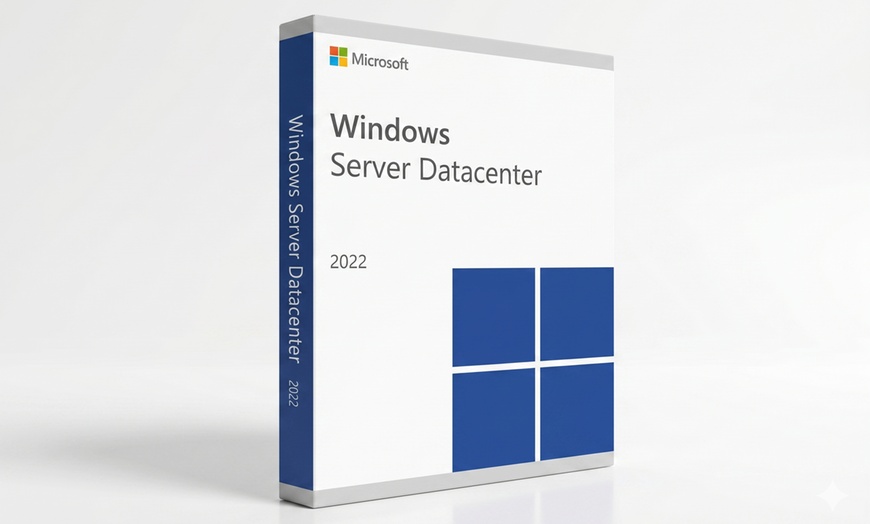
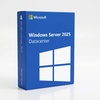
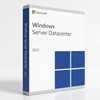
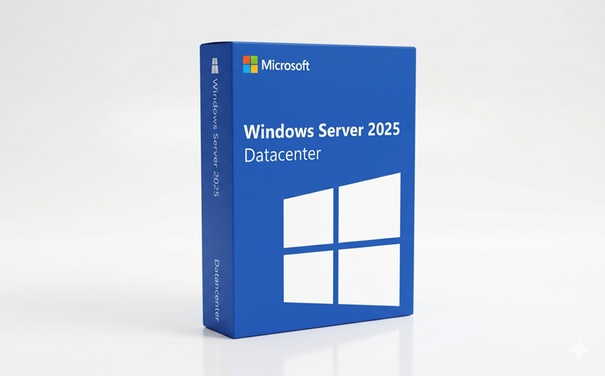
Windows Server Datacenter — 2022 ($22.99) or 2025 ($25.99)
Unlimited virtualisation rights and the full enterprise feature set. Designed for large-scale private clouds, hyper-converged infrastructure, and mission-critical workloads. Same price as Standard at this deal — an exceptional value for virtualisation-heavy environments.
Unlimited Hyper-V VM rights — run as many VMs as your hardware supports
Storage Spaces Direct (S2D) — software-defined storage with NVMe/SSD tiering
Shielded Virtual Machines — TPM-backed VM encryption and integrity protection
Software-Defined Networking (SDN) — full network virtualisation with Host Guardian Service
WS 2025 adds: GPU partitioning for VMs, improved Network ATC, NVMe-oF storage support
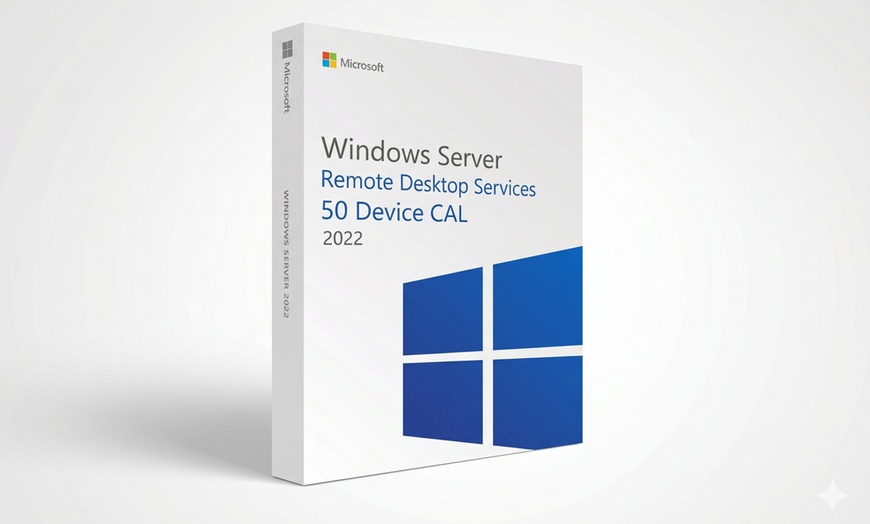
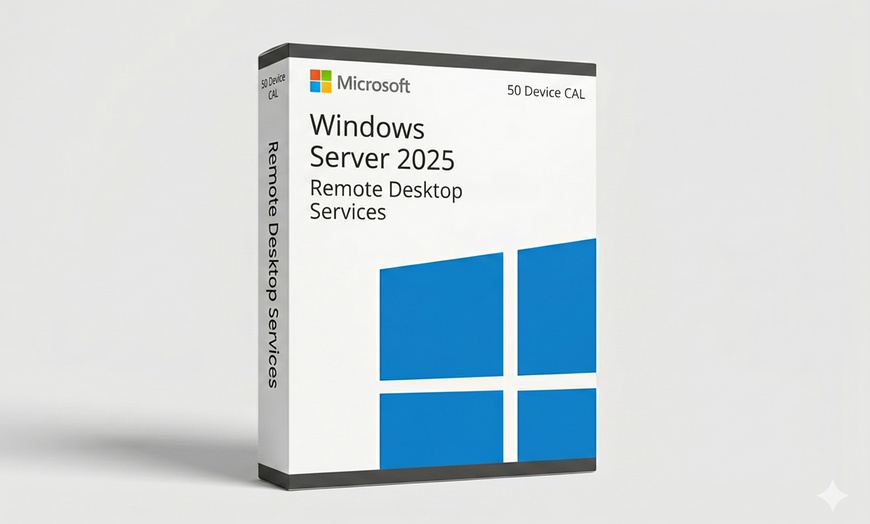
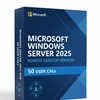
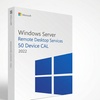
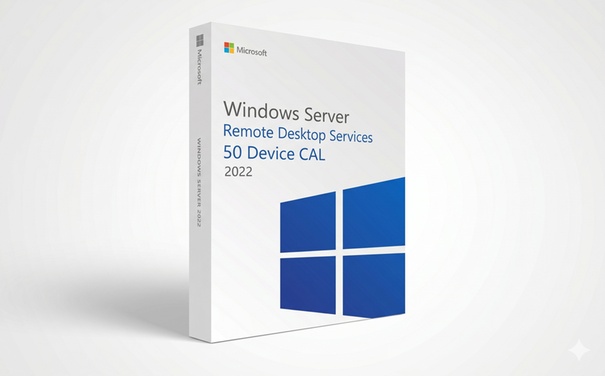
RDS 50 Device CAL — 2022 ($34.99) or 2025 ($39.99)
Licences 50 specific devices to connect to Windows Server Remote Desktop Services. Best when the same physical workstations always connect to the server — the CAL is tied to the device, not the user, so multiple people can share a device without additional licences.
50 device connections — any user can log in from those 50 authorised devices
Works with WS 2022 and WS 2025 — compatible with any Standard or Datacenter product key from this deal
Enables RemoteApp — stream individual apps rather than full desktops
Ideal for shared workstations — e.g. shift workers, hot-desking environments
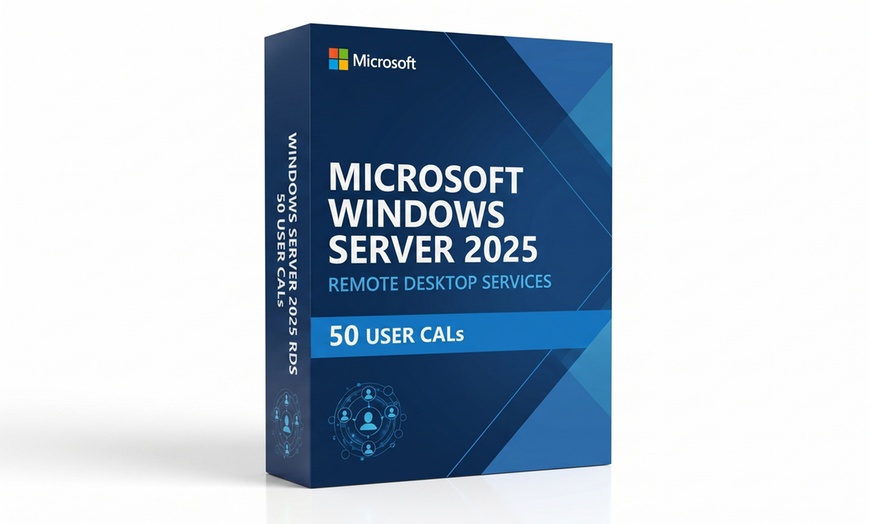
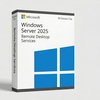
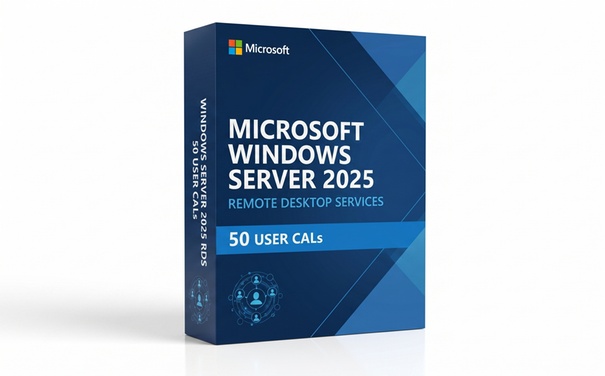
RDS 50 User CAL — 2022 ($34.99) or 2025 ($39.99)
Licences 50 named users to connect to Windows Server Remote Desktop Services from any device. Best for employees who connect from laptops, phones, or home PCs — the CAL follows the person, not the machine.
50 named users — each user can connect from an unlimited number of personal devices
Works with WS 2022 and WS 2025 — compatible with any Standard or Datacenter product key from this deal
Enables full RDS session hosting — virtual desktops and RemoteApp delivery
Ideal for remote & hybrid workers — connect from home, office, or mobile
STANDARD
Hyper-V · up to 2 VMs
PRICING BY YEAR
2022$22.9985% off
2025$25.9983% off
✓Core Server OS (GUI + Core)
✓Up to 2 Hyper-V VMs
✓Azure Arc hybrid integration
✓Secured-core security
✗Unlimited VM rights
✗Storage Spaces Direct
✗Shielded VMs
✗SDN
Best for: SMBs & small server deployments
ⓘ System Requirements ▶
1.4 GHz 64-bit CPU · 512 MB RAM (2 GB for Desktop Experience) · 32 GB disk · 1 Gbps Ethernet
DATACENTER
Unlimited VMs · S2D · SDN
PRICING BY YEAR
2022$22.9985% off
2025$25.9983% off
✓Unlimited Hyper-V VM rights
✓Storage Spaces Direct (S2D)
✓Shielded Virtual Machines
✓Software-Defined Networking
✓Host Guardian Service
Best for: Enterprise & large-scale virtualisation
ⓘ System Requirements ▶
1.4 GHz 64-bit CPU · 512 MB RAM (2 GB for Desktop Experience) · 32 GB disk · 1 Gbps Ethernet
RDS 50 DEVICE CAL
50 devices — any user
PRICING BY YEAR
2022$34.9977% off
2025$39.9973% off
✓50 authorised devices — any user
✓RemoteApp & Desktop Services
✓Compatible with Standard & Datacenter
✗Per-user flexibility
Best for: Shared workstations & hot-desking
ⓘ System Requirements ▶
1.4 GHz 64-bit CPU · 512 MB RAM (2 GB for Desktop Experience) · 32 GB disk · 1 Gbps Ethernet
RDS 50 USER CAL
50 named users — any device
PRICING BY YEAR
2022$34.9977% off
2025$39.9973% off
✓50 named users — any device
✓RemoteApp & Desktop Services
✓Compatible with Standard & Datacenter
✗Per-device cost control
Best for: Remote & hybrid workers
ⓘ System Requirements ▶
1.4 GHz 64-bit CPU · 512 MB RAM (2 GB for Desktop Experience) · 32 GB disk · 1 Gbps Ethernet
Why this deal? Retail price for Windows Server can reach $501 (Standard) to $6,155 (Datacenter). This deal starts at $22.99 for Standard — a one-time perpetual key tied to your PC. Delivered via email within 24 hours by a seller listed on Microsoft’s partner directory and backed by Groupon’s buyer guarantee.
Here’s the math
Typical Retail
$501+
WS 2022 Standard (typical)
Typical Retail
$139.00
Windows Server (typical)
This deal
$22.99
Either edition
Save $189.19 vs typical retail price or $128.20 vs Home retail. No auto-renewal, no subscription, no annual fee.
Typical retail price
This Groupon deal
Windows Server
$139.00
$22.99
Windows Server
$501+
$22.99
Delivery
Digital download, instant
Email delivery within 24 hours
Product Key type
Perpetual, 1 PC
Perpetual, 1 PC
Updates
Continuous feature + security
Continuous feature + security
🛡️
If you have any question or need help activating, contact [email protected] — MyCodes24 responds to 90% of Trustpilot queries and resolves issues quickly.
Publicly documented support 13 months after purchase (Tim H, Trustpilot) and up to 2 years after purchase (Zash, Trustpilot).
Backed by Groupon’s buyer guarantee — if the seller can’t resolve it, Groupon makes it right.
How It Works
⚠️ Before you start: Back up your data and check PC compatibility.
Windows Server requires TPM 2.0, Secure Boot, and a supported CPU (8th-gen Intel / AMD Ryzen 2000+ or newer). Run the PC Health Check app before redeeming. Back up important files before running the installer.
1
Get Your Redemption Code
Locate your code under the coupon barcode in My Stuff.
2
Redeem Online
Visit the merchant’s redemption page and enter your information.
3
Receive Your Key
Your product key will be sent via email within 24 hours. Check both your inbox and spam folder for delivery updates.
4
Install & Activate
Follow the merchant’s instructions to download and activate your product. For any issues or if the order doesn’t arrive within 24 hours, contact [email protected].
Redemption instructions: Find your voucher in My Stuff and find the Redemption Code under the coupon barcode. Enter the information on the redemption page. Check both your inbox and spam folder for delivery updates. Your product will be sent via email within 24 hours.
Need assistance?
For any issues or if the order doesn’t arrive within 24 hours, please contact: [email protected]
💡 Activation tip
You can upgrade an existing Windows 10 install in-place, or do a clean install from a Windows Server ISO. Both paths use the same activation key. If you’re coming from an older Windows (7/8), a clean install is recommended.
What You Get
📺 Windows Server Standard — 2022 or 2025 ($22.99–$25.99)▼
Full Windows Server OS with Hyper-V (up to 2 VMs), Azure hybrid connectivity, and Secured-core security. Standard 2022 from $22.99; 2025 from $25.99. One-time perpetual product key, no subscription.
🏢 Windows Server Datacenter — 2022 or 2025 ($22.99–$25.99)▼
Everything in Standard plus unlimited Hyper-V virtualisation, Storage Spaces Direct, Shielded VMs, and SDN. For large-scale virtualisation and mission-critical workloads.
👥 RDS 50 CAL — Device or User, 2022 or 2025 ($27.99–$39.99)▼
Remote Desktop Services access for 50 devices or 50 users. Device CAL for shared workstations; User CAL for employees on multiple devices. Compatible with WS 2022 and WS 2025.
📧 Genuine Product Key via Email — Within 2 Hours▼
Official Microsoft Windows Server key delivered by email within 2 hours of redemption. Check inbox and spam. Contact [email protected] if not received within 24 hours.
🛠 MyCodes24 Activation Support▼
Email support for installation, licensing, and activation. Server version checks, update guidance, and re-activation assistance included. Contact [email protected] anytime.
✅ Microsoft Marketplace Partner — Verified Seller▼
MyCodes24 is listed on the Microsoft official Marketplace Partner Directory. All product keys are genuine. Backed by Groupon’s buyer guarantee.
FAQs
I haven’t received my key after 2 hours — what should I do?
▼
First, check your spam / junk / promotions folder — the delivery email often lands there. The merchant’s SLA is delivery within 24 hours. If nothing has arrived after 24 hours, email [email protected] with your Groupon order number and redemption code. MyCodes24 replies to 90% of Trustpilot negative reviews and typically resends within one business hour. If support can’t resolve it, Groupon’s buyer guarantee refunds the order.
My activation shows “product key is invalid” — how do I fix it?
▼
This is almost always caused by either (1) entering the key on an edition that doesn’t match (e.g. using a Home key to activate a Pro install) or (2) a typo in the 25-character key. Fix: verify your edition via Settings → System → About → Windows specifications, then re-enter the key via Settings → System → Activation → Change product key. If the error persists, email [email protected] with a screenshot — they can walk you through phone activation (slui 4) if needed.
How do I install Windows Server — fresh install or upgrade from Windows 10?
▼
Two supported paths. Upgrade from Windows 10: Run Windows Update → Check for updates, or download the Windows Server Installation Assistant from Microsoft. Your files, apps, and settings are preserved. Enter your new key after the upgrade at Settings → Activation. Clean install: Download the Windows Server ISO from Microsoft, create a bootable USB with the Media Creation Tool, back up your data, then boot from USB and follow the installer. Enter your key when prompted. Both paths require TPM 2.0, Secure Boot, and a supported CPU.
Do I need to uninstall my prior Windows version first?
▼
No, and we recommend not doing so. Windows Server installs in-place over Windows 10 and preserves your files, apps, and settings. If you do a clean install via USB, the installer will handle formatting for you — but back up first. Unlike Office, there’s no conflict between old and new Windows keys because only one OS is active at a time.
What’s the difference between Windows Server and Home?
▼
Both editions have the same modern interface, security model server environment. Standard suits SMBs needing up to 2 VMs. Datacenter unlocks unlimited VM rights plus Storage Spaces Direct and SDN. RDS CALs add remote desktop access for 50 devices or 50 users. Home omits those enterprise/power-user features. If you don’t know which to pick and only use your PC for browsing, email, streaming, and office apps, Home is sufficient. If you work from home and need to encrypt a laptop drive, remote into your PC, or run VMs, pick Pro.
Does this work on ARM-based Windows PCs or Copilot+ PCs?
▼
This key activates Windows Server or Home on standard x64 (Intel/AMD) PCs. Windows on ARM uses the same product key system and the same edition tiers, so the key should activate on ARM devices as well — but ARM PCs and Copilot+ PCs typically ship with Windows pre-installed. If you’re buying this deal to migrate or rebuild an ARM machine, email [email protected] before redeeming to confirm compatibility with your specific hardware. Note: Copilot+ AI features are a hardware-and-software capability — they depend on the NPU in the device, not on this activation key.
What if I need help activating after purchase?
▼
Yes. First contact [email protected] — their support team has helped buyers activate months after purchase — Tim H. (13 months) and Zash (2 years) both praised them on Trustpilot. Groupon’s buyer guarantee is also there as a backstop.
What Buyers Say
<div style="display:flex;flex-wrap:wrap;gap:16px;margin:24px 0 8px">
  <div style="flex:1 1 calc(50% - 8px);min-width:260px;background:#fff;border:1px solid #e0e0e0;border-radius:12px;padding:20px;box-sizing:border-box">
    <div style="color:#f59e0b;font-size:18px;margin-bottom:8px">★★★★★</div>
    <div style="font-style:italic;font-size:14px;line-height:1.6;color:#333;margin-bottom:12px">“Just bought a key for my Macbook pro, worked great. Not used to groupon at all, so it took a few tries working with David to figure out the groupon function. The key was 100% good on the Mac, and I’m good to go using parallels win11! Good times!”</div>
    <div style="font-size:12px;color:#0a6e23;margin:10px 0 12px;font-weight:600">— Verified Buyer <span style="color:#aaa;font-weight:400">· Groupon</span></div>
    <span style="display:inline-block;background:#e8f5e0;color:#0a6e23;font-size:11px;font-weight:700;padding:3px 10px;border-radius:20px">Parallels + Mac Setup</span>
  </div>
  <div style="flex:1 1 calc(50% - 8px);min-width:260px;background:#fff;border:1px solid #e0e0e0;border-radius:12px;padding:20px;box-sizing:border-box">
    <div style="color:#f59e0b;font-size:18px;margin-bottom:8px">★★★★★</div>
    <div style="font-style:italic;font-size:14px;line-height:1.6;color:#333;margin-bottom:12px">“Had a problem installing this on my old computer, but their customer service department was fast to get back to me and help resolve my problem, as well as follow up to be sure it worked correctly.”</div>
    <div style="font-size:12px;color:#0a6e23;margin:10px 0 12px;font-weight:600">— Verified Buyer <span style="color:#aaa;font-weight:400">· Groupon</span></div>
    <span style="display:inline-block;background:#e8f5e0;color:#0a6e23;font-size:11px;font-weight:700;padding:3px 10px;border-radius:20px">Support Resolved It</span>
  </div>
  <div style="flex:1 1 calc(50% - 8px);min-width:260px;background:#fff;border:1px solid #e0e0e0;border-radius:12px;padding:20px;box-sizing:border-box">
    <div style="color:#f59e0b;font-size:18px;margin-bottom:8px">★★★★★</div>
    <div style="font-style:italic;font-size:14px;line-height:1.6;color:#333;margin-bottom:12px">“This is an excellent product, I have use this several time and have had no complaints on my end. This product is very easy to use, and their support is very helpful if you have any problems they will help you out.”</div>
    <div style="font-size:12px;color:#0a6e23;margin:10px 0 12px;font-weight:600">— Verified Buyer <span style="color:#aaa;font-weight:400">· Groupon</span></div>
    <span style="display:inline-block;background:#e8f5e0;color:#0a6e23;font-size:11px;font-weight:700;padding:3px 10px;border-radius:20px">Repeat Buyer</span>
  </div>
  <div style="flex:1 1 calc(50% - 8px);min-width:260px;background:#fff;border:1px solid #e0e0e0;border-radius:12px;padding:20px;box-sizing:border-box">
    <div style="color:#f59e0b;font-size:18px;margin-bottom:8px">★★★★★</div>
    <div style="font-style:italic;font-size:14px;line-height:1.6;color:#333;margin-bottom:12px">“They followed through and provided excellent service. I highly recommend this seller, I am so so grateful for them.”</div>
    <div style="font-size:12px;color:#0a6e23;margin:10px 0 12px;font-weight:600">— Verified Buyer <span style="color:#aaa;font-weight:400">· Groupon</span></div>
    <span style="display:inline-block;background:#e8f5e0;color:#0a6e23;font-size:11px;font-weight:700;padding:3px 10px;border-radius:20px">Highly Recommend</span>
  </div>
</div>
Before You Buy
💻
Product Key Terms
One key = one PC (permanent)
Pro or Home: choose when buying
Cannot transfer between Pro and Home
Retail-style activation (tied to Microsoft account or hardware)
Promotional value expires 60 days after purchase. Amount paid never expires.Online redemption only. Digital Delivery.
How to Redeem:
* After the purchase, Go into My Stuff and find the Redemption Code under the coupon barcode.
* Enter the information on the redemption page.
* Check both your inbox and spam folder for delivery updates.
* Your product will be sent via email within 2 hours.
For any issues or if the order doesn’t arrive within 24 hours, contact [email protected]
Merchant is solely responsible to purchasers for the care and quality of the advertised goods and services.Learn about Strike-Through Pricing and Savings
About Windows Server Standard, Datacenter, RDS, or User CAL