75%
5%
2%
1%
17%

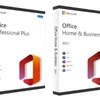
Lifetime Microsoft Office 2021 or 2019 access—activate once and use it FOREVER with no recurring fees
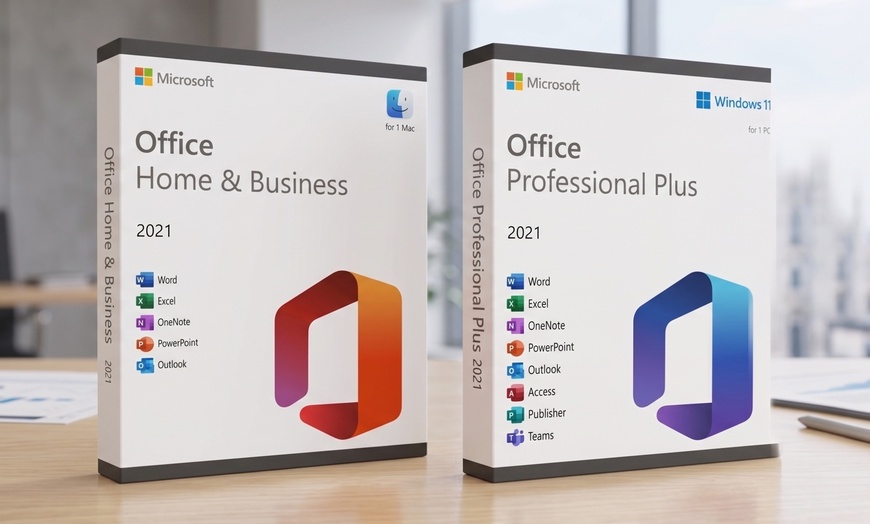
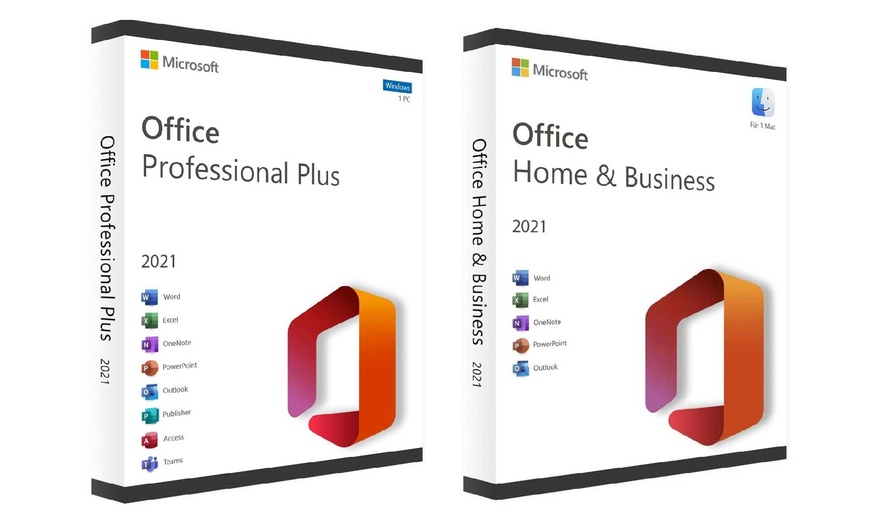
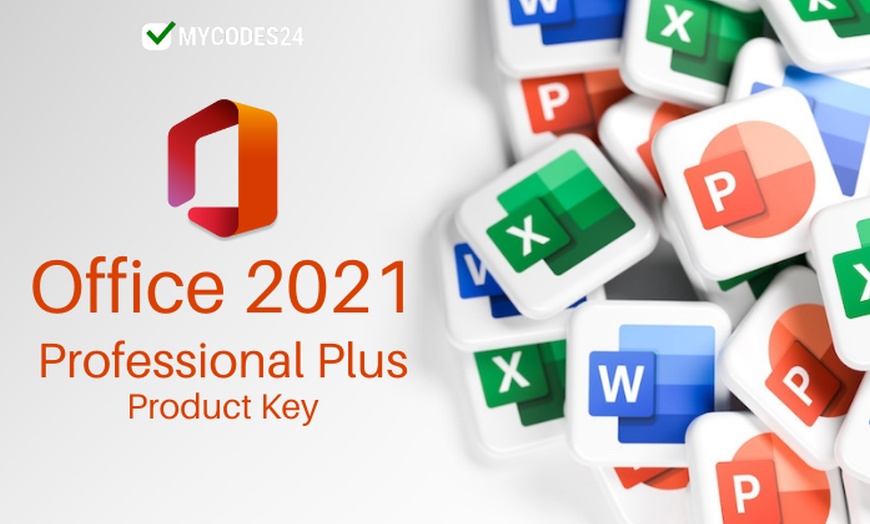
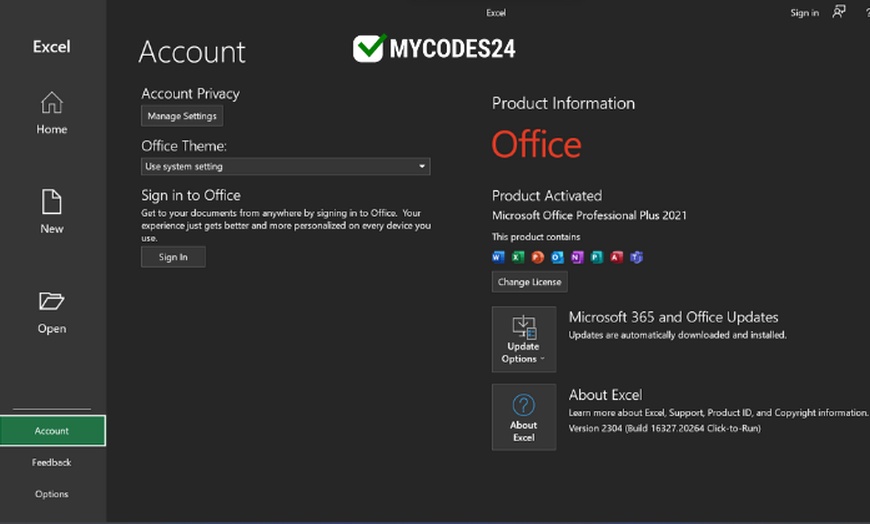
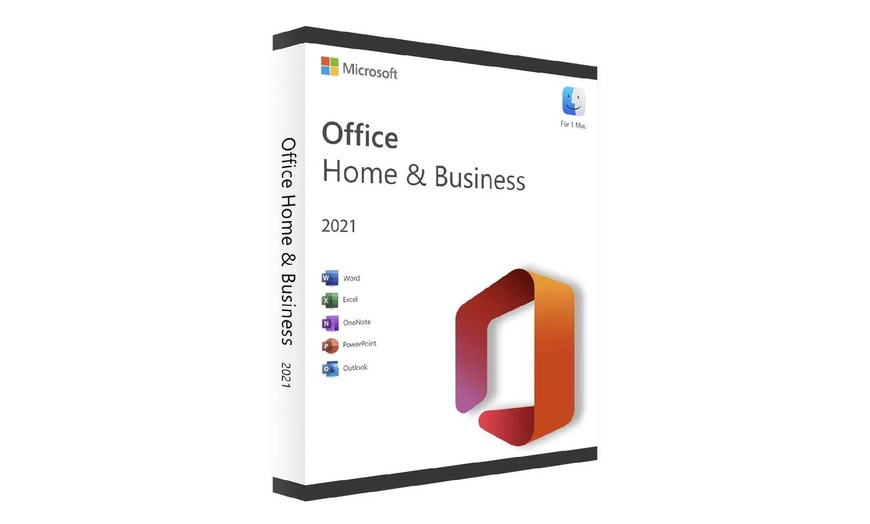
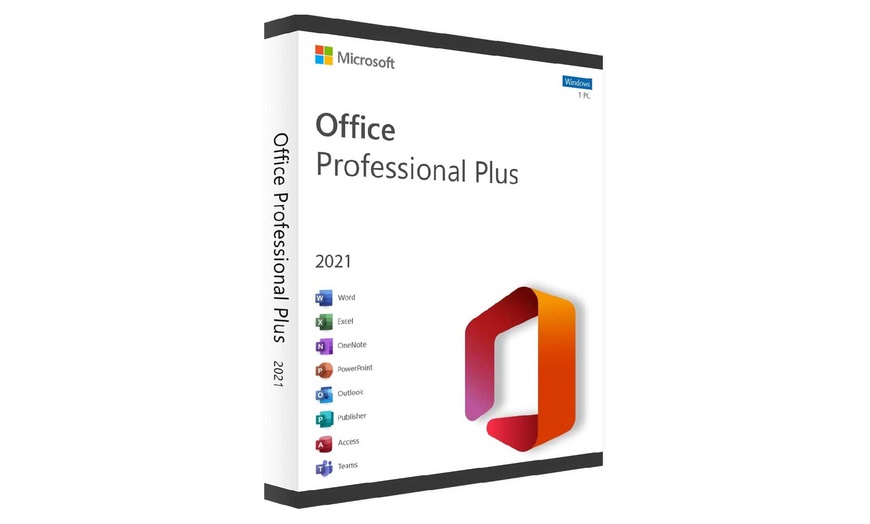
Get lifetime access to Microsoft Office 2021 or 2019 with a one-time payment. Enjoy a perpetual desktop license activated directly to your device with no subscriptions, no renewals, and no recurring fees. Choose Professional Plus for Windows (including Access and Publisher) or Home & Business for Mac.
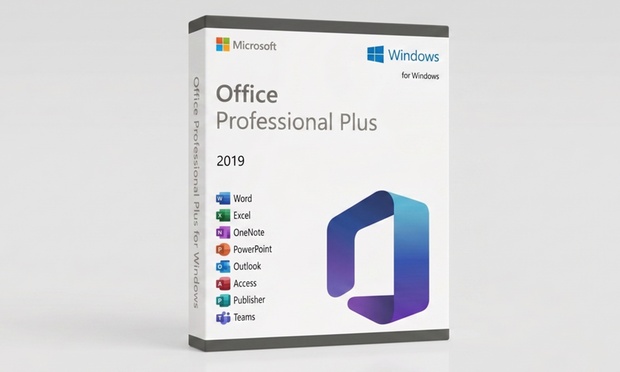
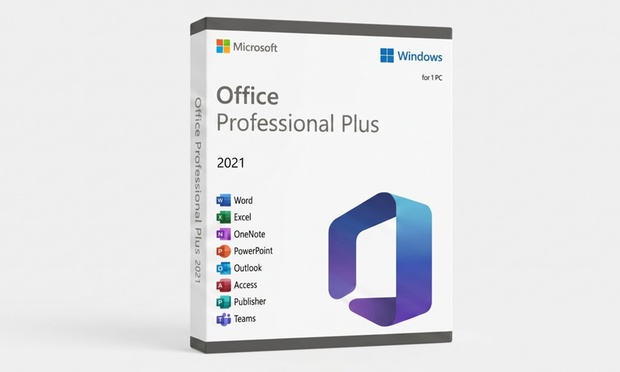
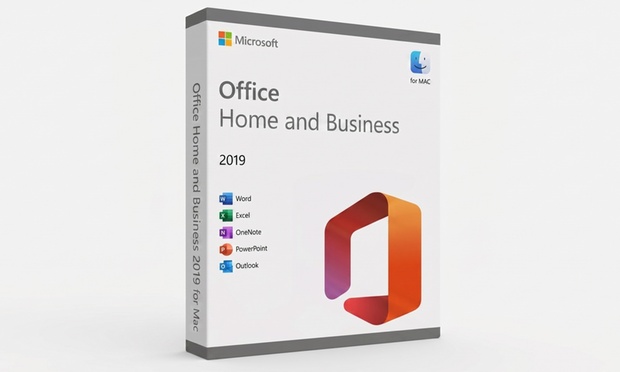
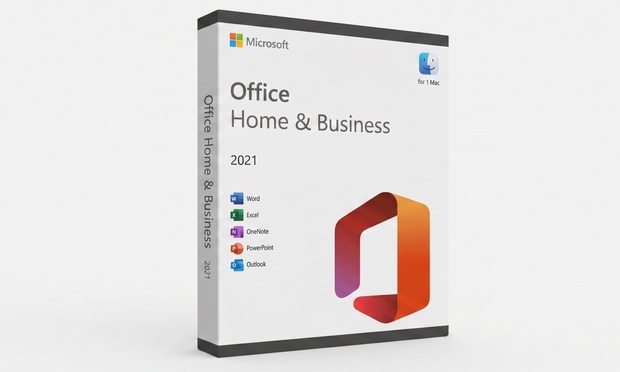
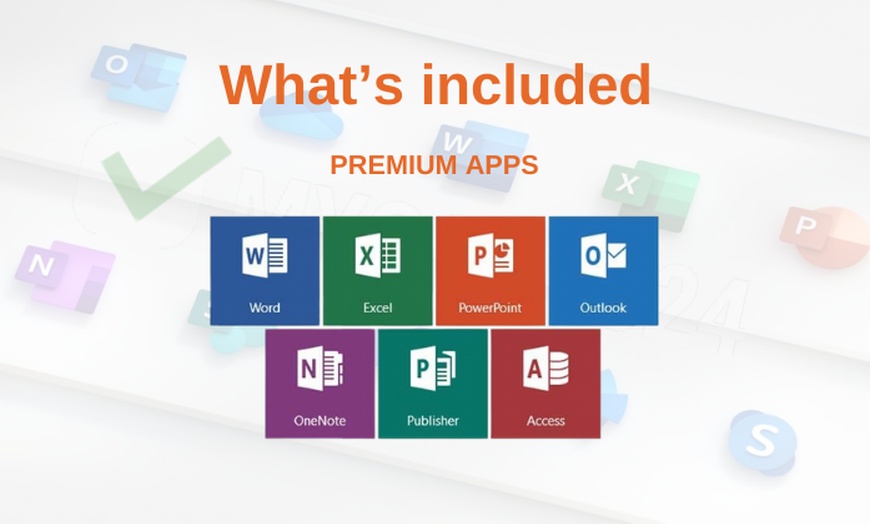
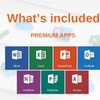
Professional Plus (Windows) is the complete desktop suite featuring Word, Excel, PowerPoint, Outlook, OneNote, Access, and Publisher. Home & Business (Mac) is the native macOS build optimized for Apple Silicon on the 2021 version. Choose 2019 for the lowest entry price, or 2021 for advanced features like XLOOKUP, dark mode, and extended security updates.
This is NOT Microsoft 365. This is a one-time purchase for a perpetual desktop license. You own the software forever with no recurring annual subscription charges.
Product Key Purchase: You are purchasing a product key. Key functionality may not be guaranteed if the device is modified or reinstalled.
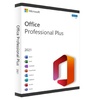
Office Professional Plus for Windows includes the complete lineup of productivity applications. Access and Publisher are enterprise-grade tools included at no extra cost.
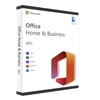
Office Home & Business for Mac delivers the core productivity suite fully optimized for macOS, running natively on Apple Silicon (M1, M2, M3, and M4) with no Rosetta required on the 2021 edition.
$11.90 (92% off $149.99 MSRP)
$23.45 (91% off $249.99 MSRP)
$89.90 (64% off $249.99 MSRP)
$149.90 (40% off $249.99 MSRP)
Subscription vs. Lifetime Math: Office 2019 Pro Plus MSRP is $149.99. Microsoft 365 Personal costs $99.99/year, totaling $499.95 over 5 years. Purchasing this deal for $11.90 (2019, Windows) saves you approximately $488 over 5 years compared to a subscription.
Before you start: Uninstall any existing Office first. Installing over an existing Office version is the #1 cause of activation errors. Go to Settings → Apps and uninstall any prior Office (including 365) before running the installer.
Find your Groupon Redemption Code under the coupon barcode in My Groupons or the app.
Enter your info and code at mycodes24.com/contact.
Your product key and installer link arrive by email within 2 hours. Check spam if not received.
Uninstall any prior Office first, run the installer, then enter your key when prompted.
For any issues or if the order doesn't arrive within 24 hours, contact: [email protected]
“Best deal I could find on Groupon. Service is amazing and could activate Office immediately and use it smoothly.”
Instant Activation“Bought a Microsoft license key from MyCodes24 and everything went smoothly. Got the key instantly, it worked with no issues, and setup was super easy. Definitely recommend!”
Smooth Setup“Had an issue with the download of the software, emailed the company and had a response and a solution within minutes. Great customer care and response.”
Issue Resolved Fast“Great deal, worked as described — excellent support from the company too. Overall a great deal with a great company — glad to get Office on my Mac.”
Works on MacRedemption & Expiry
Promotional value expires 180 days after purchase. Amount paid never expires. May be repurchased every 30 days, limit 30 per person. Online redemption only — digital delivery by email.
Platform & Compatibility
Windows options require Windows 10 or 11. Mac options require macOS Big Sur (2019) or Monterey+ (2021). Select your correct option — Windows Pro Plus or Mac H&B. Uninstall prior Office versions before activating.
Delivery & Support
Key delivered by email within 2 hours. Check spam/junk folder if not received. Support: [email protected]. Groupon buyer guarantee applies if seller cannot resolve.
Merchant & Trust
MyCodes24 is listed on Microsoft's official Marketplace. 4.6/5 Trustpilot (1,010 reviews) · B+ BBB rating. Merchant is solely responsible for fulfillment. Support available post-purchase for activation issues.


Error submitting request
Thank you for your response