76%
5%
1%
1%
16%

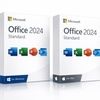


This product is sold by a seller listed on Microsoft's official Marketplace.
↗ Check Microsoft Partnership Portal hereMicrosoft Office Standard 2024 provides essential productivity software for home or office users. This offer grants a one-time lifetime activation, eliminating recurring subscription fees.
Microsoft Office 2024 Standard: Choose lifetime activation for Windows PC or Mac.
One-Time Purchase: Enjoy lifetime access on one device without any subscription fees.
Fast Digital Delivery: Receive an authentic product key via digital download.
Offline Functionality: The software works without an internet connection after activation.
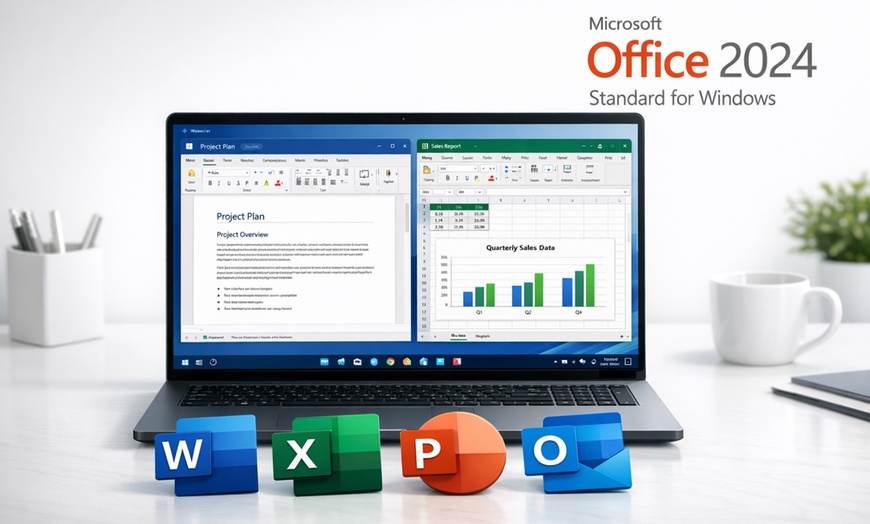
Microsoft Office Standard 2024 offers a core suite of productivity applications. It provides essential tools for both Windows PC and Mac users.
OS: Windows 10, Windows 11, Windows 10 LTSC 2021/2019, Windows Server 2022/2025
Processor: 1.1 GHz or faster, dual-core
Memory: 4 GB RAM
Storage: 4 GB available space
Display: 1280×768 minimum (64-bit required for 4K+)
Graphics: Direct3D 9.1 compatible with WDDM 1.3 driver or higher
Browser: Latest version of Edge, Chrome, or Firefox
Other: .NET 3.5 or 4.6+ required; Chromebook not supported.
OS: macOS 13 Ventura or later
Memory: 4 GB RAM minimum
Storage: 10 GB free disk space
Device: One Mac computer (Not compatible with iPads/tablets)
Note: Not compatible with iPads or tablet devices. Access and Publisher are Windows-only and not included in Mac edition.
Device specific step: Click here for desktop redemption and click here if redeeming on mobile.
Is this a subscription or a one-time purchase?
This offers a product key for a one-time lifetime activation. It is not a Microsoft 365 subscription.
What are the device limitations for this software?
The product key is for single-device activation (Windows PC or Mac). It is not compatible with Chromebooks, iPads, or tablet devices.
Do older Office versions need to be uninstalled?
Yes, all previous Microsoft Office versions, including trials, must be uninstalled before installation to ensure proper activation.
What happens if I reinstall my operating system or change hardware?
Continued functionality cannot be guaranteed following hardware modifications or operating system reinstallation due to Microsoft's licensing terms.
How long is the activation process valid for?
The product key enables lifetime activation. Immediate activation is essential to avoid service interruption after any trial period.
Is the product key compatible with other Office versions?
Product keys are version-specific. An Office 2024 Standard key works only with the corresponding edition, not with Microsoft 365.


Error submitting request
Thank you for your response