

Trending

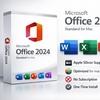
Official Lifetime License to Microsoft Office 2024 Standard For PC or Mac

Microsoft Office Standard 2024 or 2021 for PC

Select Option
Extra $4.36 off
Promo Code SAVE. Ends 12/31.
Apply
Over 80 sold today, this item is moving fast. Act now if you want one of your own!
  • Instant: Great for last-minute gifts. Simply print or send the voucher after purchase.
  • Customizable: Personalize the message and appearance to make your gift truly special.
  • Exchangeable: Hassle-free returns and exchanges for the giftees.

Microsoft

This product is sold by a seller listed on Microsoft's official Marketplace.

↗ Check Microsoft Partnership Portal here

Microsoft-Verified PartnerEssential Office AppsWindows & Mac OptionsAI-Powered Productivity

Boost Productivity with Microsoft Office 2024 Standard

Microsoft Office 2024 Standard empowers professionals and everyday users with essential productivity tools. This offer provides a genuine, lifetime activation license, eliminating recurring subscription fees.

What You Get

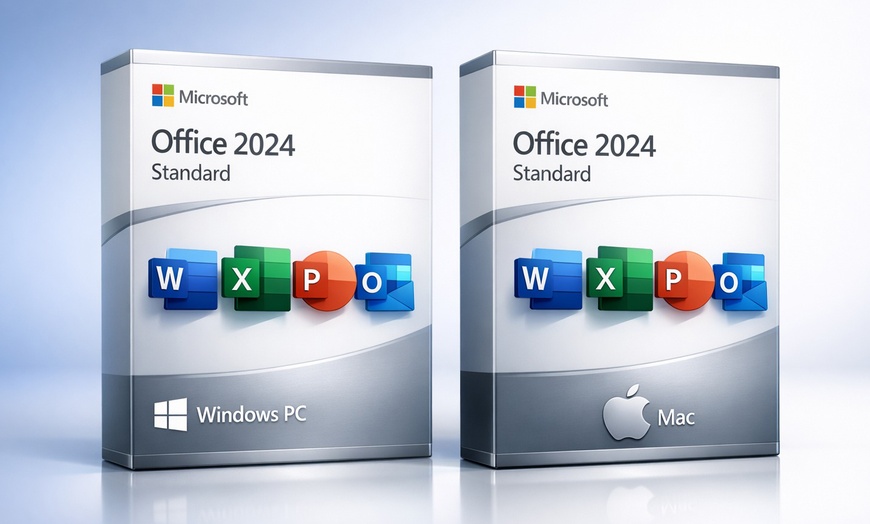
Microsoft Office 2024 Standard: Choose Windows PC or Mac version for your device.

Lifetime Activation: Enjoy permanent access with a one-time purchase.

AI-Powered Enhancements: Utilize Copilot for smarter writing and design.

Seamless Collaboration: Co-author documents and integrate with Microsoft Teams.

Instant Delivery & Support: Receive your software key quickly, with 24/7 help.

Software Overview

Apps & Features
+

Microsoft Office 2024 Standard offers a powerful suite of applications for both Windows and Mac users. It delivers essential tools with modern enhancements.

Included Features Microsoft Office 2024 Standard for Windows PC Microsoft Office 2024 Standard for Mac
Core Productivity Apps (Word, Excel, PowerPoint, Outlook, OneNote) Included Included
Publisher
Access
AI-Powered Tools Included Included
Modern Interface Included Included
macOS Integration N/A Optimized
One-Time Installation Included Included
Cross-Platform Sync Included Included
View App Descriptions
Word Create professional documents with advanced writing aids.
Excel Analyze data with dynamic arrays and powerful functions.
PowerPoint Design impactful presentations using new camera and caption tools.
Outlook Manage emails, calendars, and contacts efficiently.
OneNote Organize notes, drawings, and web clips in one place.
AI-Powered Copilot Copilot assists with writing, summarizing, and presentation design.
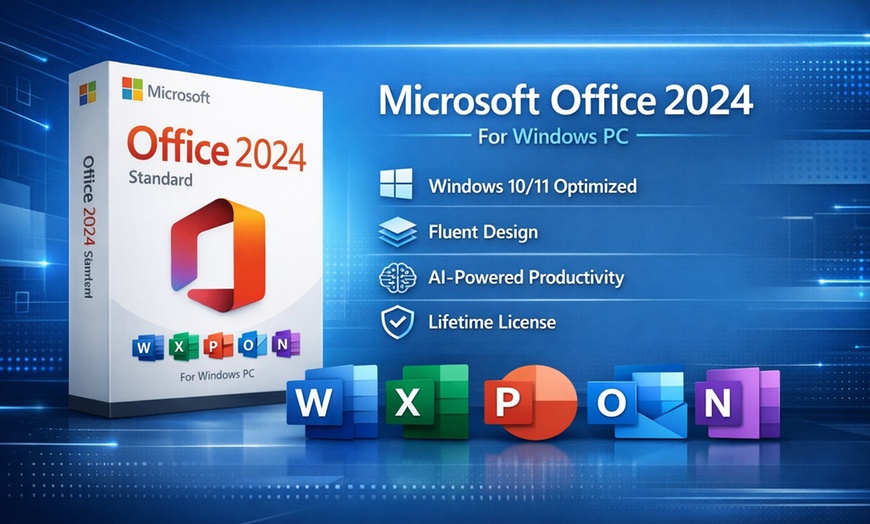
Modern Fluent Design Features refreshed interface elements and enhanced dark mode.
Real-time Co-authoring Collaborate seamlessly with automatic sync and task-based comments.
Focus Mode (Word) Enhances concentration by minimizing distractions during writing.
IMAGE Function (Excel) Inserts pictures directly into cells for dynamic data visualization.
Cameo Integration (PowerPoint) Embeds your live camera feed into presentations easily.
Faster Search (Outlook) Locate emails and information quickly with improved search.
Aptos Default Font Experience the new, modern default font across applications.
Insert Picture from Mobile Capture and import images directly from Android devices.
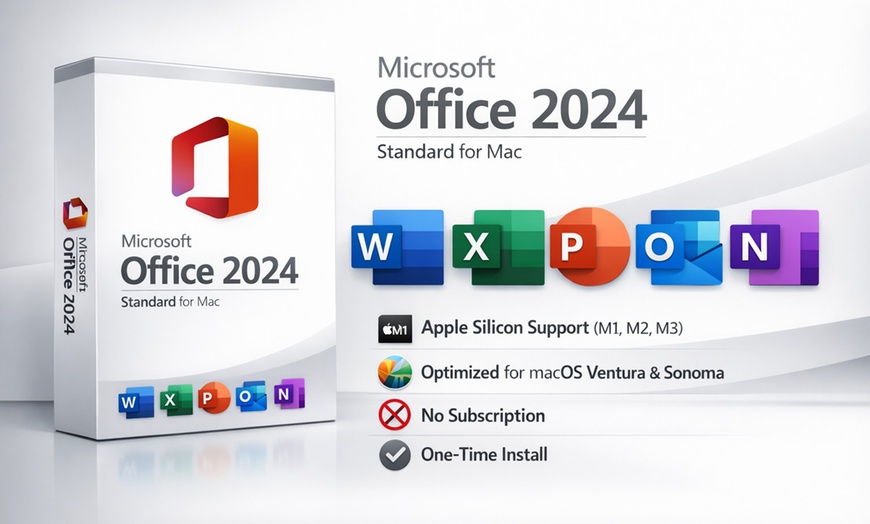
Optimized for macOS Ensures seamless performance on macOS Ventura or later, including Apple Silicon.
System Requirements
+
For Windows 10, Windows 11, LTSC versions; Windows Server 2022 / 2025

OS: Windows 10, Windows 11, LTSC versions; Windows Server 2022 / 2025

Processor: Not specified

Memory: 4 GB RAM

Disk Space: 10 GB available

Graphics: Not specified

For macOS 13.0 (Ventura) or later

OS: macOS 13.0 (Ventura) or later

Processor: Apple Silicon (M1, M2, M3)

Memory: 4 GB RAM

Disk Space: 10 GB available

Graphics: Not specified

How It Works

1. Get Your Redemption Code — Locate your MyCodes24 redemption code after purchase in 'My Stuff' under the barcode.
2. Redeem Online — Visit the MyCodes24 redemption page at mycodes24.com/contact-mycodes24/ and enter your code.
3. Receive Your Software — Check your inbox (and spam folder) for your software delivery within 24 hours.
4.
Install & Activate — Follow the merchant's instructions to download and activate your Microsoft Office product.
Need Support? Contact [email protected].
FAQs
+

Is this a subscription or a one-time purchase?
This is a one-time purchase for a lifetime license, providing permanent access without recurring subscription fees.

Which core applications are included in Office 2024 Standard?
It includes Word, Excel, PowerPoint, Outlook, and OneNote. Please note, Publisher and Access are not part of this Standard edition.

What are the system requirements for installation?
For Windows, Windows 10/11 is required. For Mac, macOS 13.0 (Ventura) or later is needed. Both require at least 4 GB RAM and 10 GB disk space.

How many devices can I install this on?
Each license is valid for a single device, meaning one Windows PC or one Mac computer only.

Do I need to uninstall previous Office versions?
Yes, it is crucial to fully uninstall all previous versions of Microsoft Office (including trial or Microsoft 365 editions) to prevent activation conflicts.

Is this software compatible with Chromebooks or iPads?
No, this software is not compatible with Chromebooks, iPads, or other tablet devices.

Fine Print

Promotional value expires 60 days after purchase. Amount paid never expires.
Online redemption only. Digital Delivery

How to Redeem

  1. After purchase, go to My Stuff and find the Redemption Code under the coupon barcode.
  2. Enter the information on the redemption page.
  3. Check both your inbox and spam folder for delivery updates.
  4. Your product will be sent via email within 2 hours.

Note: For any issues or if the order doesn’t arrive within 24 hours, contact [email protected].

Merchant is solely responsible to purchasers for the care and quality of the advertised goods and services. Learn about Strike-Through Pricing and Savings

About Microsoft Office Standard 2024 or 2021 for PC

Groupon Customer Reviews

100% Verified Reviews
All Groupon reviews are from people who have redeemed deals with this merchant. Review requests are sent by email to customers who purchased the deal.

Customer Photos

  • Photo submitted by Lou
  • Photo submitted by Lou
  • Photo submitted by Marshall
  • Photo submitted by Kimberly
  • Photo submitted by Kyle
    See All Photos